1
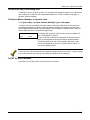
Section 23 - #93 Menu Mode Programming
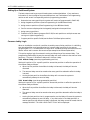
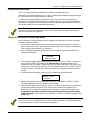
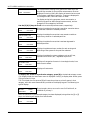
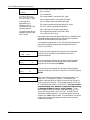
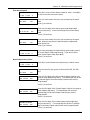
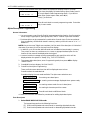
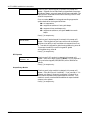
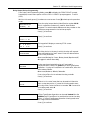
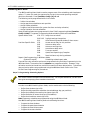
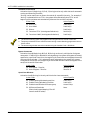
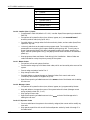
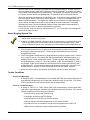
02 STOP PART
This is the partition to which the stop condition will be limited.
Enter 0 for any partition. Enter 1-8 for specific partition
number.
Press [∗] to continue.
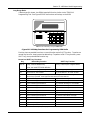
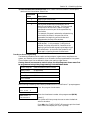
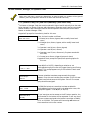
RELAY GROUP
Relays may be grouped for common activation by time-driven
events (commands 06-10). Enter 0 (no group) or 1-8 for a
specific group number.
Press [∗] to continue.
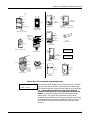
RESTRICTION
1=YES 0=NO
The system may have some devices, which are not intended to
be under end user control, such as relays activating fire doors
or machinery. Enter 1 if the end user will be restricted from
accessing this relay group.
Press [∗] to continue.
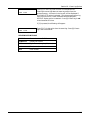
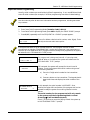
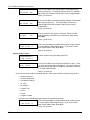
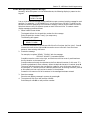
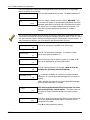
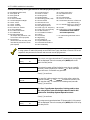
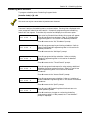
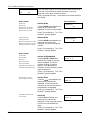
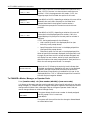
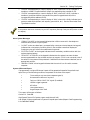
RELAY TYPE
Enter 0 for V-Plex (polling loop) devices. Enter 1 for relay
modules (4204/4204CF). Enter 2 for Powerline Carrier devices.
V-PLEX ZONE #
For polling loop trigger outputs (4101SN), enter the protection
zone number (001-128) linked to each output, if used. If not
using a protection zone on these modules, enter the relay zone
number (601-632). Be sure to enroll the module’s serial
number (see Zone Programming prompt earlier in this section).
Press [∗] to continue.
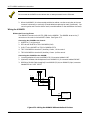
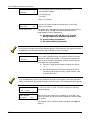
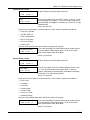
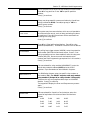
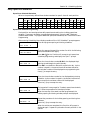
ECP ADDRESS
If 1 was selected for relay modules (4204/4204CF), enter the
actual relay module's address (01-15) as set by its DIP
switches. Up to 8 modules can be installed in a system.
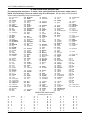
MODULE RELAY #
For 4204 Relay Outputs, enter the specific relay number on
that module (1-4). For 4204CF outputs, enter only module
relay number 1 (Output A) or relay number 3 (Output B).
These are the only two programmable relays on the 4204CF
Module. Press [∗] to continue.
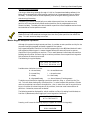
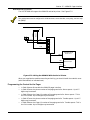
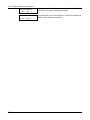
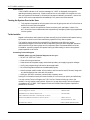
The keypad will display the Start and Stop summary screens
again.
Press [∗] to continue.
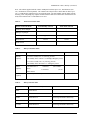
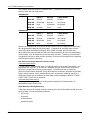
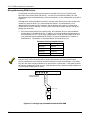
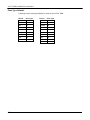
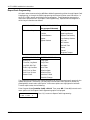
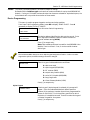
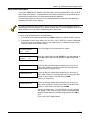
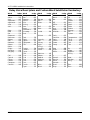
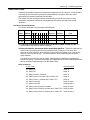
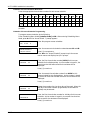
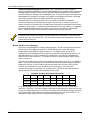
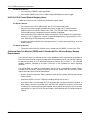
HOUSE CODE
If 2 was selected for Powerline Carrier devices, enter the
numerical equivalent of the House Code of the device as
follows:
A=00
E=04
I=08
M=12
B=01
F=05
J=09
N=13
C=02
G=06
K=10
O=14
D=03
H=07
L=11
P=15
23-29