1
Display modes
Your radio has a range of display options when in Music Player mode. Note that the availability of
information depends on the specific media files, their format and upon the server capability. (Not
all UPnP servers make information from the media fi les available in the same way.)
GB
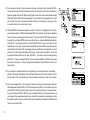
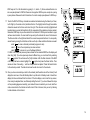
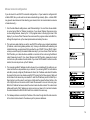
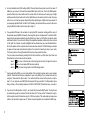
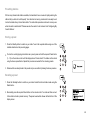
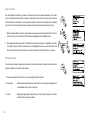
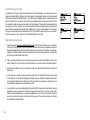
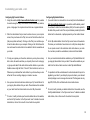
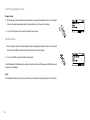
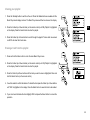
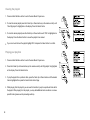
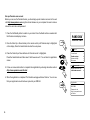
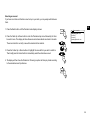
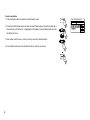
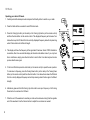
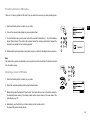
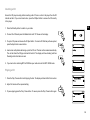
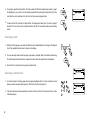
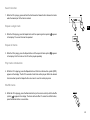
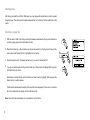
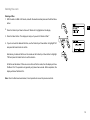
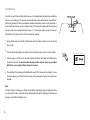
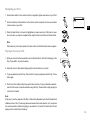
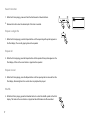
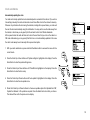
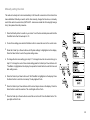
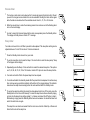
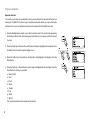
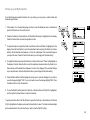
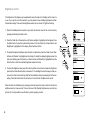
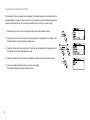
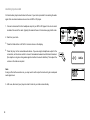
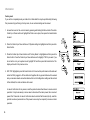
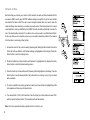
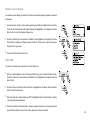
1. Press the Info button to cycle through the different options.
a. Progress bar Displays the playback progress for the track currently playing.
b. Artist Displays the artist information for the track currently playing.
c. Album Displays the album information for the track currently playing.
d. Format Displays the bit rate and format of the track currently playing.
e. Buffer Displays the radios internal buffer status during media playback.
Whenever the Music Player is displaying an information screen (as opposed to a menu screen),
the time is displayed in the top-right corner of the display, and a WiFi strength or Ethernet connection
indicator is shown in the bottom-right corner together with an indicator showing the radio is obtaining
the media from a UPnP server.
40