1
videos
videos
see it, believe it, share it!
record videos
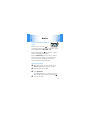
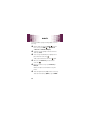
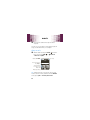
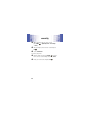
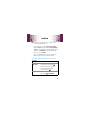
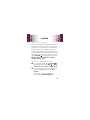
1 With the slider closed, press UNLOCK (
). From the
home screen, press and hold the Camera Key (e)
on the right side of your phone (page 4). Your display
may differ based on your phone's software:
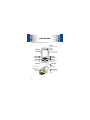
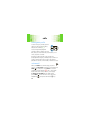
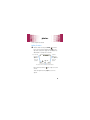
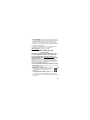
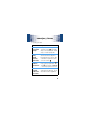
Touch the Left
Touch Key
(Videos) to
open your
videos.
Touch the
Right Touch
Key (Options) to
open your
options.
Rec
00:00
Videos
176x144
REC
Options
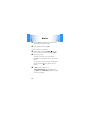
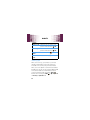
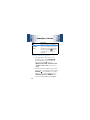
Press the Center Select Key to start recording.
Press the Directional Key (
and out.
2
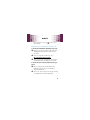
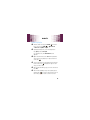
To start recording, press REC (
Camera Key (e) .
) left or right to zoom in
) or the
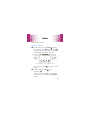
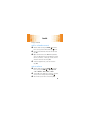
Touch the Left Touch Key (Pause) to temporarily stop
recording. Touch the Left Touch Key again (Resume) to
continue.
27