1
Mazdaspeed6_8U02-EC-05H_Edition1 Page190
Friday, July 15 2005 9:47 AM
Black plate (190,1)
Interior Comfort
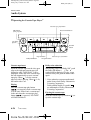
Audio System
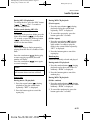
Antenna
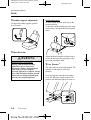
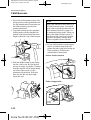
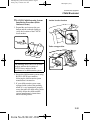
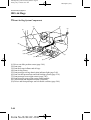
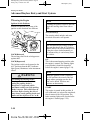
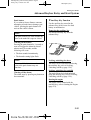
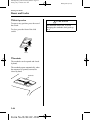
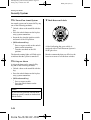
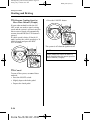
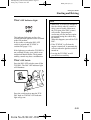
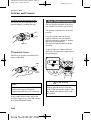
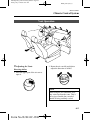
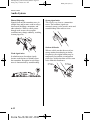
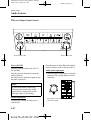
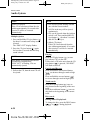
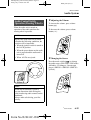
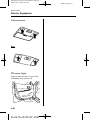
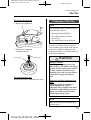
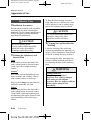
qDetachable Type
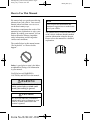
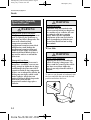
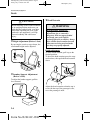
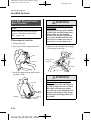
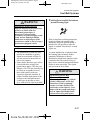
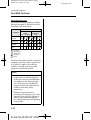
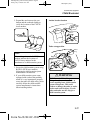
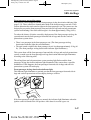
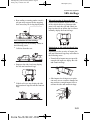
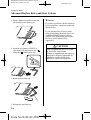
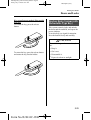
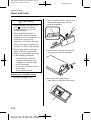
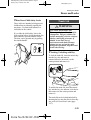
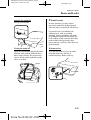
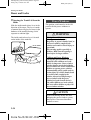
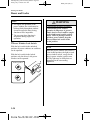
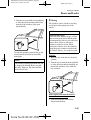
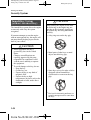
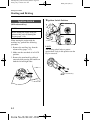
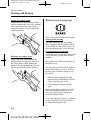
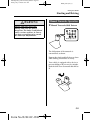
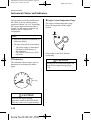
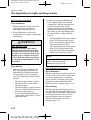
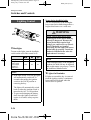
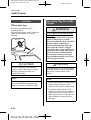
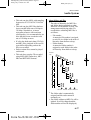
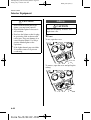
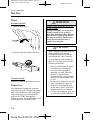
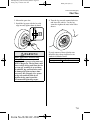
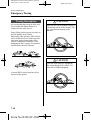
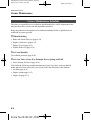
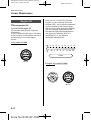
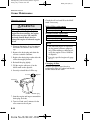
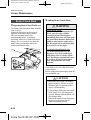
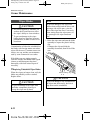
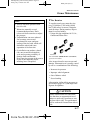
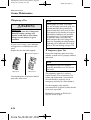
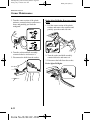
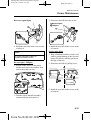
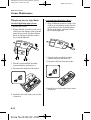
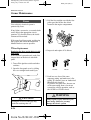
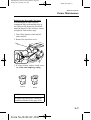
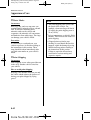
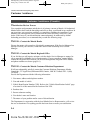
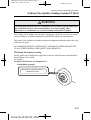
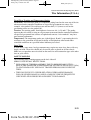
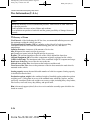
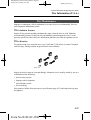
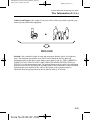
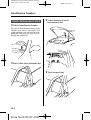
To remove the antenna, turn it
counterclockwise.
To install the antenna, turn it clockwise.
Make sure the antenna is securely
installed.
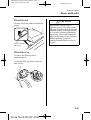
Remove
Install
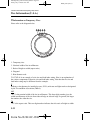
Operating Tips for Audio
System
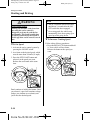
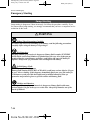
WARNING
Do Not Adjust Audio While Driving
the Vehicle:
Adjusting the audio while driving the
vehicle is dangerous as it could
distract your attention from the vehicle
operation which could lead to a
serious accident. Always adjust the
audio while the vehicle is stopped.
Even if the audio control switches are
equipped on the steering wheel, learn
to use the switches without looking
down at them so that you can keep
your maximum attention on the road
while driving the vehicle.
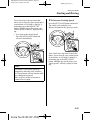
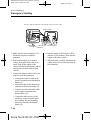
CAUTION
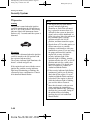
CAUTION
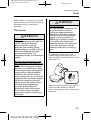
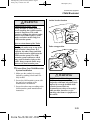
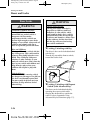
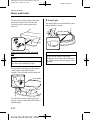
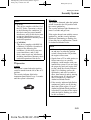
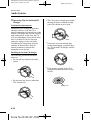
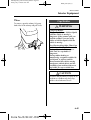
To prevent damage to the antenna,
remove it before entering a car wash
facility or passing beneath a low
overhead clearance.
For the purposes of safe driving, adjust
the audio volume to a level that allows
you to hear sounds outside of the
vehicle.
NOTE
NOTE
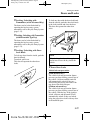
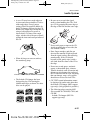
When leaving your vehicle unattended,
we recommend that you remove the
antenna and store it inside the vehicle.
6-10
Form No.8U02-EC-05H
l
Do not use the audio for long periods
of time while the engine is off.
Otherwise the battery could go dead.
l
If a digital cellular phone or CB
radio is used in or near the vehicle, it
could cause noise to occur from the
audio system, however, this does not
indicate that the system has been
damaged.