1
00516G VP-D85 UK+ESP (28~61)
2/11/03 9:53 AM
Page 31
ENGLISH
ESPAÑOL
Basic Recording
Grabación básica
Adjusting the LCD
Ajuste de la LCD
✤ Your camcorder is equipped with a 2.5 inch color Liquid Crystal
Display(LCD) screen, which enables you to view what you are recording or
playing back directly.
✤ Depending on the conditions under which you are using the camcorder
(indoors or outdoors for example), you can adjust ;
■ BRIGHT SELECT
■ BRIGHT ADJUST
■ COLOUR ADJUST
✤ Esta videocámara dispone de una pantalla de cristal líquido (LCD) de 2,5
pulgadas y en color que permite ver lo que se está grabando o reproducir
directamente imágenes grabadas.
✤ Según las condiciones de grabación (por ejemplo exteriores o interiores),
es posible ajustar:
■ BRIGHT SELECT (selección del brillo)
■ BRIGHT ADJUST (ajuste del brillo)
■ COLOUR ADJUST (ajuste del color)
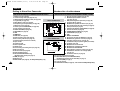
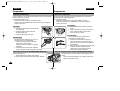
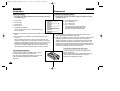
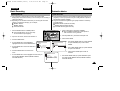
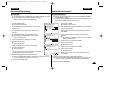
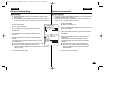
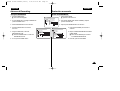
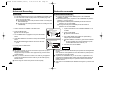
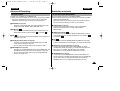
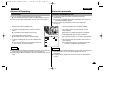
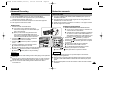
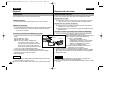
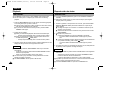
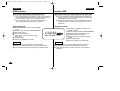
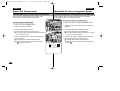
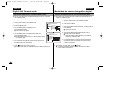
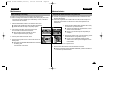
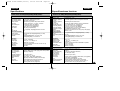
1. Ajuste el interruptor en la posición CAMERA.
■ En la modalidad PLAYER sólo se debe ajustar la
LCD mientras se ve una grabación.
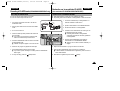
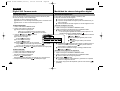
1. Set the POWER switch to CAMERA position.
■ In the PLAYER mode, you may only setup
the LCD while the tape is playing.
CAMERA
OFF
PLAYER
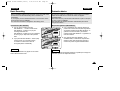
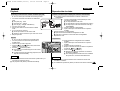
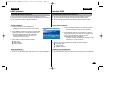
2. Open the LCD screen, and the LCD switches on.
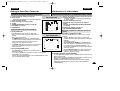
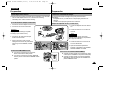
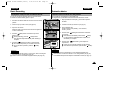
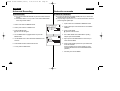
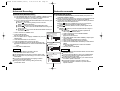
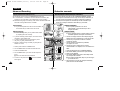
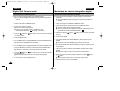
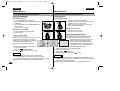
3. Pulse el botón MENU.
3. Press the MENU button.
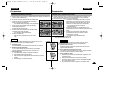
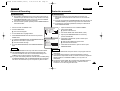
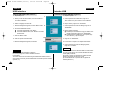
4. Turn the MENU DIAL so that VIEWER is
highlighted and then Press the ENTER button.
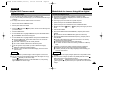
5. Turn the MENU DIAL so that LCD ADJUST is
highlighted.
2. Abra la pantalla LCD y encienda el interruptor LCD.
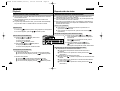
CAM MODE
INITIAL
CAMERA
A/V
MEMORY
VIEWER
CAM MODE
VIEWER SET
LCD ADJUST
DATE / TIME
TV DISPLAY
LCD ADJUST
DATE/TIME
TV DISPLAY
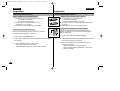
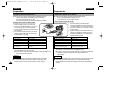
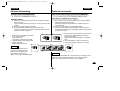
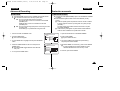
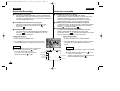
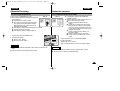
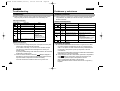
6. Press the ENTER button to enter the submenu.
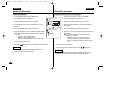
4. Gire el DIAL MENÚ hasta que quede resaltada
la opción VIEWER (visor). Pulse el botón
ENTER.
5. Gire el DIAL MENÚ hasta que quede resaltada
la opción LCD ADJUST.
CAM MODE
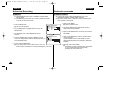
6. Pulse el botón ENTER para acceder al
submenú.
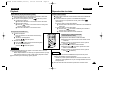
VIEWER SET
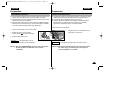
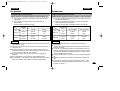
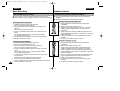
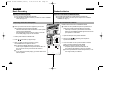
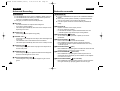
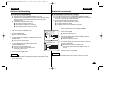
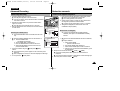
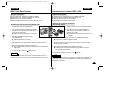
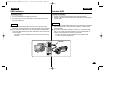
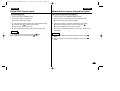
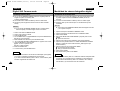
7. Turn the MENU DIAL so that it highlights the menu item you
want to adjust (BRIGHT SELECT, BRIGHT ADJUST,
COLOUR ADJUST).
LCD ADJUST
BRIGHT SELECT . . . . NORMAL
BRIGHT ADJUST . . . . . . [ 1 8 ]
COLOUR ADJUST . . . . . [ 1 8 ]
7. Gire el DIAL MENÚ hasta que quede resaltada la opción
que desee ajustar (BRIGHT SELECT, BRIGHT ADJUST,
COLOUR ADJUST).
31