1
Timer - use
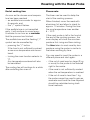
Programming hob zone cooking
times
Both the audible tone and the visual
display can be cancelled by:
Please note it is not possible to use
this programme for hobs which
have the KSE 200 control unit.
– Pressing the ")" button.
To use the oven again, the hob zone
selector switch must first of all be
turned to "0".
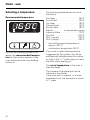
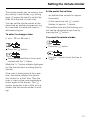
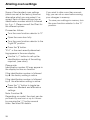
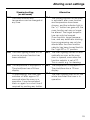
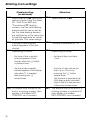
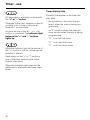
A symbol in the display shows which
hob zone is being programmed.
– Turning the hob zone selector switch
to "0".
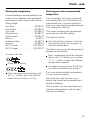
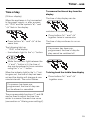
* = front left zone
# = front right zone
t = both front zones
If the audible tone is not switched off,
as described earlier, it will repeat at
5 minute intervals as a reminder that
the end time has been reached. This
reminder continues for up to an hour.
Make sure the correct symbol is showing in the display before programming
in times.
When a cooking process has been
pre-selected the hob zone symbol
flashes, and the time of day is displayed. The hob control light goes out.
When the process starts running, the
symbol for the chosen hob zone lights
up.
At the end of cooking time
– the hob switches off automatically,
– an audible tone sounds for approx.
5 seconds.
– The symbol for the selected hob
zone and the symbol ")" flash. The
symbol ")" does not flash when a
cooking end time is entered for the
oven.
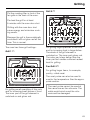
To end a cooking time automatically
Turn the oven function selector or
the hob zone control to the required
setting.
Heating up begins.
Press the "g" button.
The heating is switched off, and "0:00"
appears in the display field.
Use the "+" button to enter the required cooking time in hours:minutes.
(1 min. - 23 hours 59 mins).
The cooking process starts as soon as
the indicator light on the "+/–" button
goes out.
The end of cooking time is automatically calculated from the time entered.
35