1
Advanced Recording : continued
1
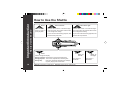
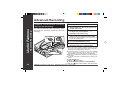
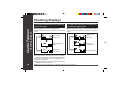
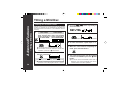
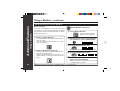
When recording in long-play mode, the available
recording time will be doubled.
Long-play recordings can be replayed at double
speed, see page 19.
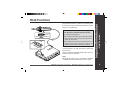
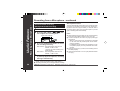
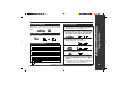
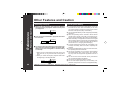
Press the MODE button whilst the recording is paused.
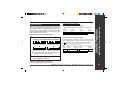
Stereo mode
Long-play mode
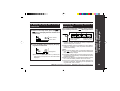
● “MONO” appears whilst in the long-play mode.
2
Start recording.
Notes:
● When the unit is stopped after a recording has been made
in this mode, the recording mode will return to the stereo
mode automatically.
● If input is from a stereo source, the sounds from the left
and right channels will be combined.
● Although the monitor sound you hear in the earphones
whilst recording is in stereo, recording will be monaural.
● MiniDiscs recorded in the monaural long-play mode may
not play on other MiniDisc players.
Web-site: www.sharp.co.uk/support
Help Line: 0990 274277 (office hours)
– Advanced Recording –
Appears
Useful Features
Long-play recording (monaural recording)
21