1
Operation
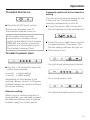
To switch the fan on
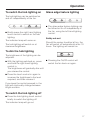
^ Press the On/Off touch control.
The fan runs at power level "II".
The indicator lamp will come on.
If the cooker hood has been
connected to a window contact
switch via the Miele Control module
DSM 400, then the fan cannot be
switched on if the window is shut.
The indicator lamp will flash.
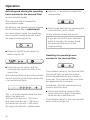
Automatic switch-off of the Intensive
setting
You can set the Intensive setting so that
it only runs for 10 minutes before
reverting automatically to level III.
^ To set this option, both the fan and
the hob lighting must be switched off.
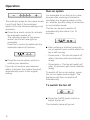
^ Press the run-on option touch control
for approximately 10 seconds. The
first fan setting indicator will light up.
^ Then press in turn,
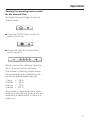
To select a power level
– the right-hand lighting touch control,
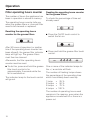
^ Use the – / + controls to select the
power level required.
+ control = higher setting
– control = lower setting
Depending on the intensity of the
cooking vapours, levels I to III (green
indicator lamps) are usually sufficient
for normal cooking.
Intensive setting
– the – touch control, and
– the right-hand lighting touch control.
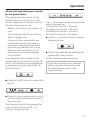
When frying or cooking food with a
strong aroma, you may wish to select
the Intensive setting, level IV (yellow
indicator lamp) for a short period.
15