1
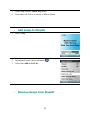
1. Select Playlist and play a song. 2. In playback mode, press submenu 3. Select the Remove Song from Go List. . Scan Through Song 1. In playback mode, enter submenu. 2. Select the Scan Through Song item. 3. Use the Thumbwheel to scan the song. 4. 3 seconds of inactivity exists Scan mode. 5. Press the Left Arrow for previous menu. 21