1
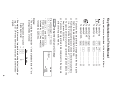
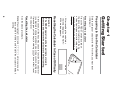
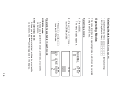
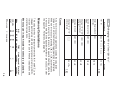
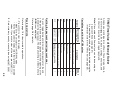
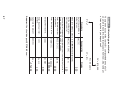
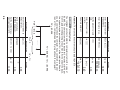
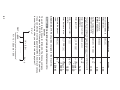
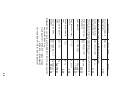
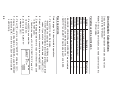
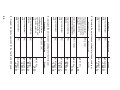
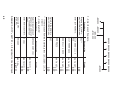
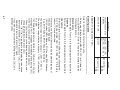
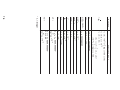
Calculator and Display Layout
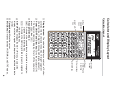
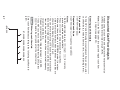
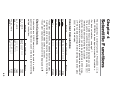
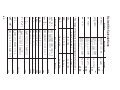
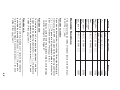
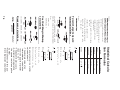
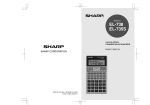
Calculator layout
Key
operation
keys
SET UP
key
Display
screen
Power
ON/OFF and
Clear key
Cursor keys
MODE key
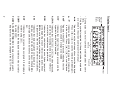
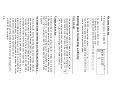
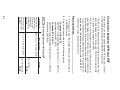
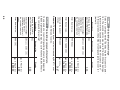
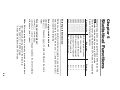
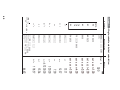
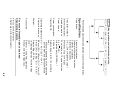
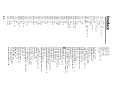
Display screen: The calculator display consists of a 12-character dot matrix character line and a 12-digit 7-segment
character line (10-digit mantissa and 2-digit exponent).
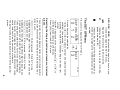
Power ON/OFF and Clear key: Turns the calculator ON.
This key also clears the display. To turn off the calculator,
press ., then c.
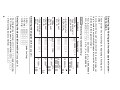
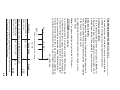
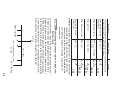
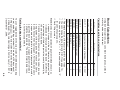
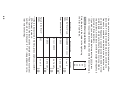
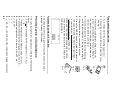
Key operation keys:
.: Activates the second function (printed in orange) assigned to the following key.
i: Activates the memory (printed in green) assigned to
the following key.
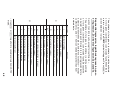
SET UP key: Displays the SET UP menu to select the
display notation, angular unit, depreciation method and date
format.
Cursor keys: Move the cursor.
MODE key: Switches between NORMAL and STAT modes.
6