1
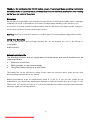
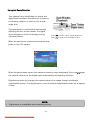
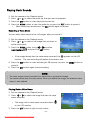
Playing Back Sounds
1.
2.
3.
4.
Set the camera to the Playback mode
Press
or
to select the audio clip that you want to playback.
Press the SET button to start playing the audio clip.
Press the MENU button to stop the audio clip, or press the SET button to pause it.
When audio clip paused, press the SET button again to resume.
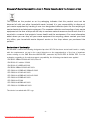
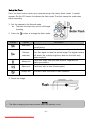
Recording a Voice Memo
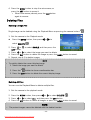
You can add a voice memo to the still images after you record it.
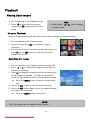
1. Set the camera to the Playback mode
2. Press
or
to select a still image that you want to
add a voice memo.
3. Press the MENU button, using
or
to select
VOICE MEMO (
) and press the SET button.
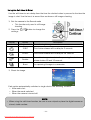
If the image already has the voice memo recorded, the
appears on the LCD
monitor. The new recording will replace the previous one.
4. Press the SET button to start recording for 30 seconds, or press the MENU button to
cancel it.
5. Press the SET button again to end recording.
NOTE:
The voice memo cannot be added to a movie clip or a protected image.
You cannot delete only the voice memo. When you delete the image, the attached voice
memo is also deleted.
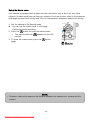
Playing Back a Voice Memo
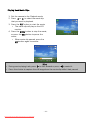
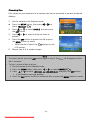
1. Set the camera to the Playback mode
or
to select the image that has the voice
2. Press
memo recorded.
The image with a voice memo recorded shows
on the LCD monitor.
3. Press the SET button to play to voice memo.
- 33 Downloaded from ManualsCamera.com Manuals