1
Chapter 5
Defining Output Format
5.4 CODE ID
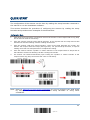
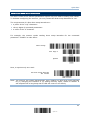
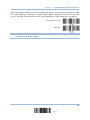
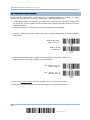
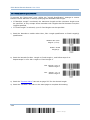
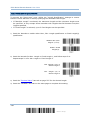
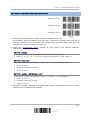
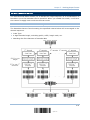
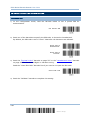
Up to two characters for Code ID can be configured for each symbology. To make the
Code ID configuration easier, the scanner provides five pre-defined Code ID sets that you
can select one and make necessary changes on it.
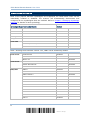
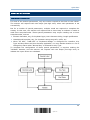
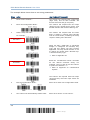
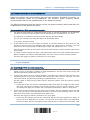
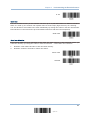
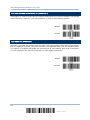
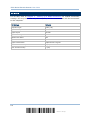
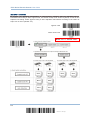
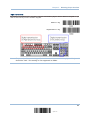
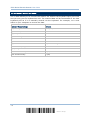
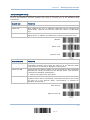
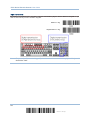
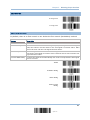
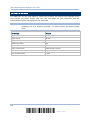
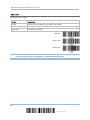
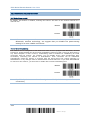
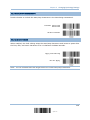
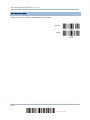
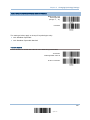
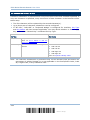
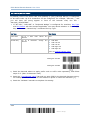
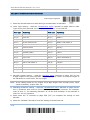
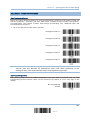
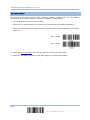
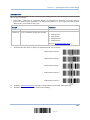
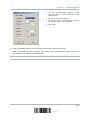
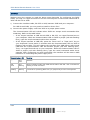
If “BT HID”, “USB HID” or “Keyboard Wedge” is configured for interface, Key Type
and Key Status will then become applicable. You may decide whether or not to apply
Key Status when “Normal Key” is selected for Key Type.
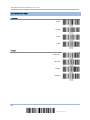
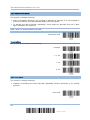
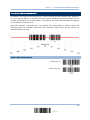
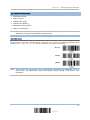
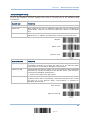
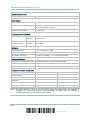
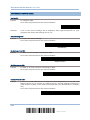
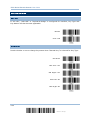
Key Type
Key Status
Scan Code
Only 1 scan code value is allowed.
Normal Key
Up to 2
allowed.
character
strings
N/A
are
Add Shift
Add Left Ctrl
Add Left Alt
Add Right Ctrl
Add Right Alt
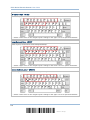
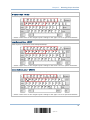
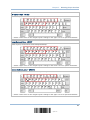
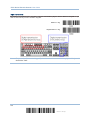
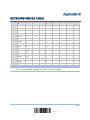
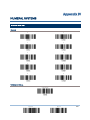
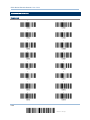
Refer to Keyboard Wedge Table.
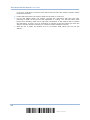
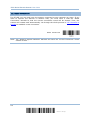
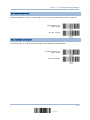
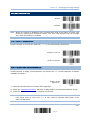
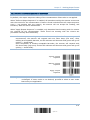
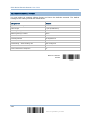
Note: "]C1" is the Code ID of GS1-128 (EAN-128) barcodes; "]e0" is the default Code ID
of GS1 DataBar (RSS) barcodes.
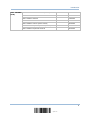
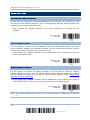
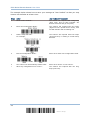
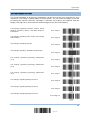
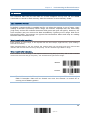
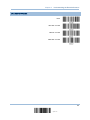
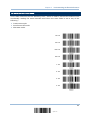
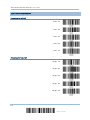
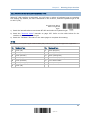
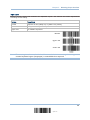
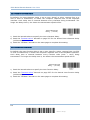
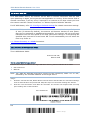
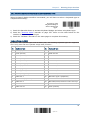
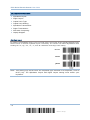
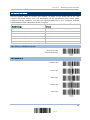
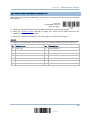
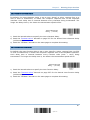
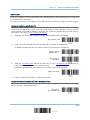
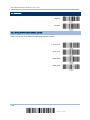
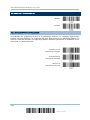
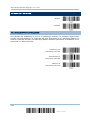
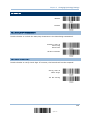
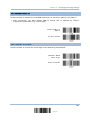
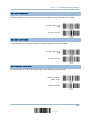
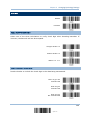
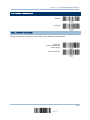
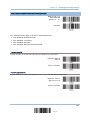
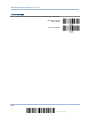
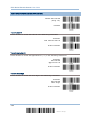
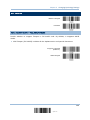
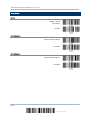
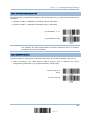
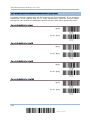
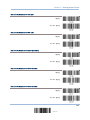
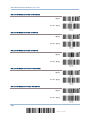
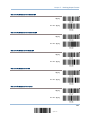
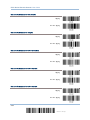
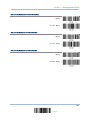
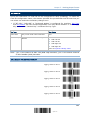
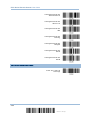
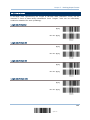
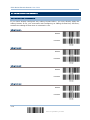
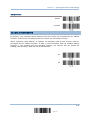
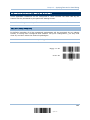
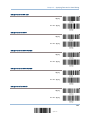
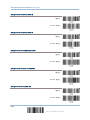
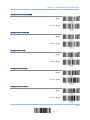
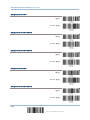
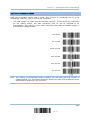
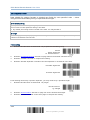
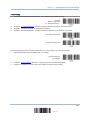
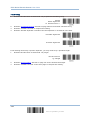
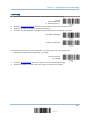
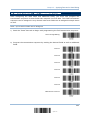
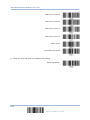
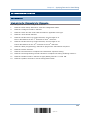
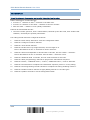
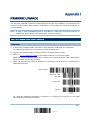
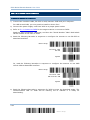
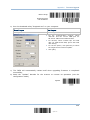
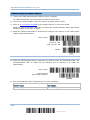
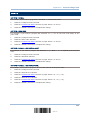
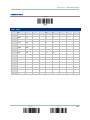
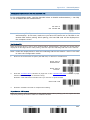
5.4.1 SELECT PRE-DEFINED CODE ID
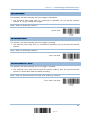
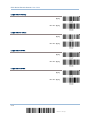
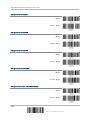
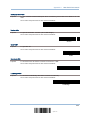
Apply Code ID Set 1
Apply Code ID Set 2
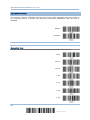
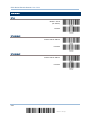
Apply Code ID Set 3
Apply Code ID Set 4
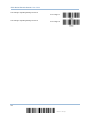
Apply Code ID Set 5
165
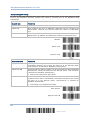
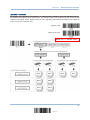
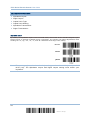
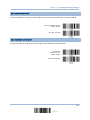
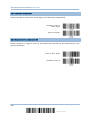
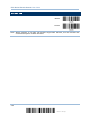
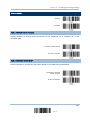
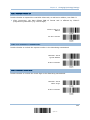
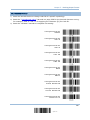
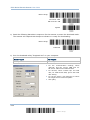
Update