1
Introduction
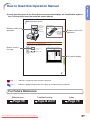
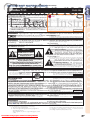
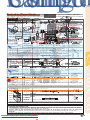
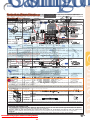
How to Read this Operation Manual
• In this operation manual, the illustrations and on-screen displays are simplified for explanation. This may differ from the actual on-screen display.
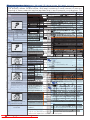
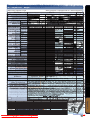
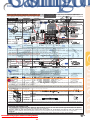
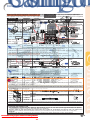
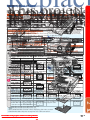
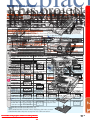
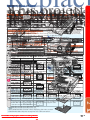
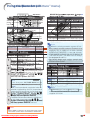
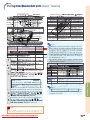
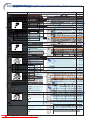
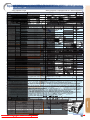
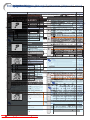
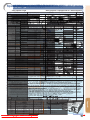
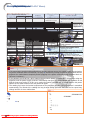
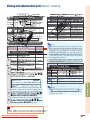
Using the Menu Screen
Adjustment
buttons ('/"/\/|)
ENTER button
Buttons used in this
operation
MOUSE/Adjustment
buttons ('/"/\/|)
ENTER
button
MENU button
MENU button
RETURN button
Buttons used in this
operation
RETURN button
• Press RETURN to
return to previous
screen when the
menu is displayed
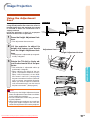
Menu Selections (Adjustments)
Example: Adjusting “Bright”.
• This operation can also be performed by using the buttons on the projector.
Button used in
this step
1
Press MENU.
• The “Picture” menu screen for the selected input mode is displayed.
2
Press | or \ and select “Picture” to adjust.
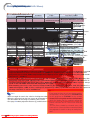
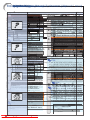
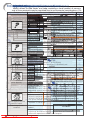
Example: “Picture” screen menu
Menu item
Picture
SIG
SCR
PRJ
Net.
Standard
0
0
0
0
0
0
0
SEL./ADJ.
RETURN
On-screen display
7500K
3D Progressive
Auto
Off
Off
Off
Useful Features
Picture Mode
Contrast
Bright
Color
Tint
Sharp
Red
Blue
CLR Temp
Progressive
Film Mode
DNR
MNR
Eco+Quiet Mode
Reset
ENTER
END
-43
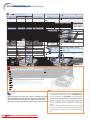
Info ...........Indicates safeguards when using the projector.
Note ........Indicates additional information for setting up and operating the projector.
For Future Reference
Maintenance
Troubleshooting
Page 56
Downloaded From projector-manual.com Sharp Manuals
Pages 66 and 67
Index
Page 70
-3