1
OPS Manager Installation and Maintenance Guide
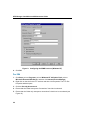
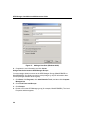
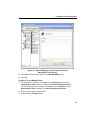
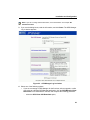
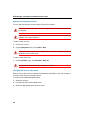
8. Enter the following information for the OPS Manager user account:
For Active Directory, Microsoft Exchange, and Lotus Domino enter the
•
Domain,
•
Username
•
Password.
Then, click Next.
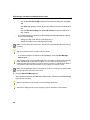
For Novell eDirectory, enter the following information:
•
Distinguished Name (for example, ch=<OPS Manager user account
name>,o=organization)
•
Password
Then, click Next.
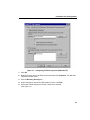
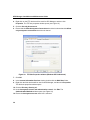
9. Review your settings. Then, click Next to begin copying the files to the OPS Manager
server.
Loading network element software for ASD
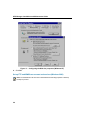
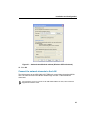
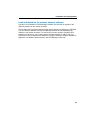
Network element software for Automatic Software Distribution (ASD) is shipped on a
CD-ROM disk. To load the network element software onto the server
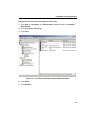
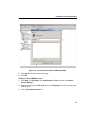
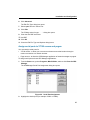
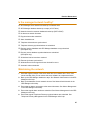
1. Insert the SX-2000 software CD-ROM into the CD-ROM drive.
2. Open the folder with the SX-2000 PBX software (for example: W01 or LW3.1.1.1).
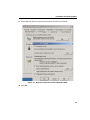
3. Double-click on the Setupex.exe file, and follow the prompts to install the SX-2000
PBX software on the OPS Manager server.
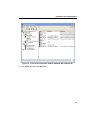
4. See Network Administration in the OPS Manager online help for instructions on how to
distribute the software to the network elements.
56