1
8.12.98
Gigaset 2060isdn, Inland:
I_KAP04.FM5
A30853-X210-B101-1-19
Operation with supplementary devices
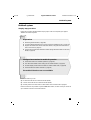
Consultation call/call transfer
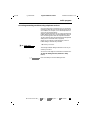
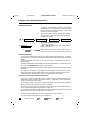
As well as internal consultations, your ISDN system also
enables you to conduct external consultation calls, for example with an external business partner.
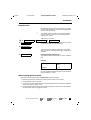
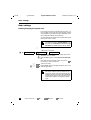
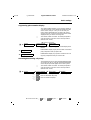
Invariably, you press the keys º 9 9 in succession to
start an internal consultation call and the keys º 9 0
to start an external consultation call.
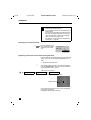
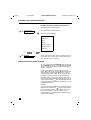
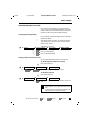
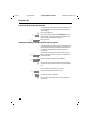
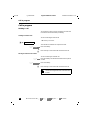
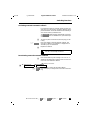
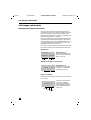
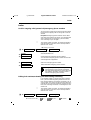
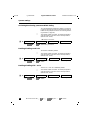
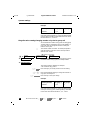
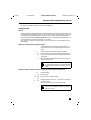
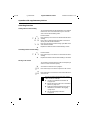
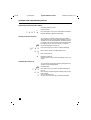
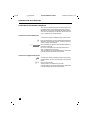
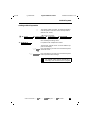
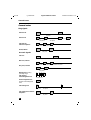
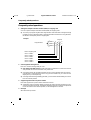
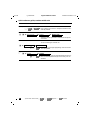
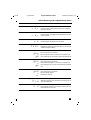
Starting an internal consultation call:
b
º 9 9
You are conducting an external call.
Press these keys in succession to place the call on hold.
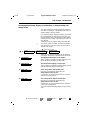
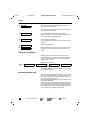
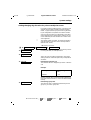
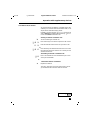
Enter the internal number of the user you want to call.
0 ... 9
º 9 6
or
Press these keys to call all internal users at once. You hear
the ringer tone and a user answers. You conduct your call
with the internal user.
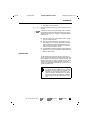
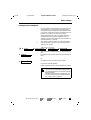
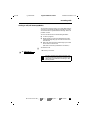
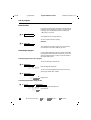
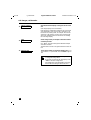
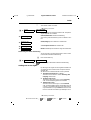
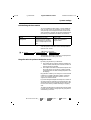
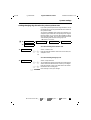
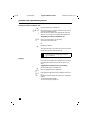
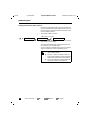
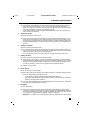
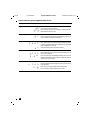
Terminating an internal consultation call:
º 8
Press. The external user is reconnected and you can resume your conversation.
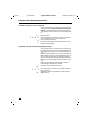
or
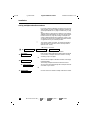
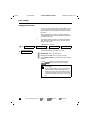
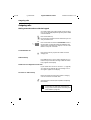
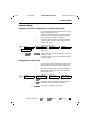
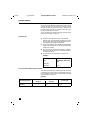
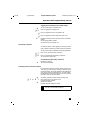
Call transfer without consultation:
a
Replace the handset
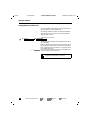
The call is returned to you if the internal user to whom
you transferred fails to answer within 30 seconds.
Foretasting
73