1
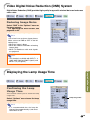
Video Digital Noise Reduction (DNR) System
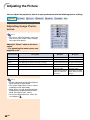
Digital Noise Reduction (DNR) provides high quality images with minimal dot crawl and cross
color noise.
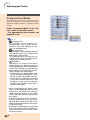
Reducing Image Noise
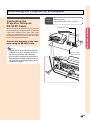
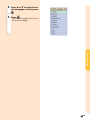
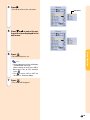
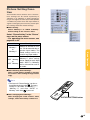
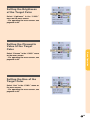
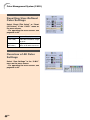
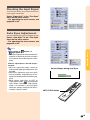
Select “DNR” in the “Options” menu on
the menu screen.
➝For operating the menu screen, see
pages 40 to 43.
Note
• Set a level so as to view a clearer picture.
Make sure to set DNR to “OFF” in the following cases:
• When the image is blurry.
• When the contours and colors of moving
images drag.
• When TV broadcasts with weak signals
are projected.
Note
• This function is available with INPUT 1, 2
(480I, 480P, 580I and 580P signals) and
INPUT 3, 4 (all signals).
Easy to Use Functions
Displaying the Lamp Usage Time
Confirming the Lamp
Usage Time
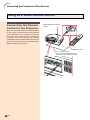
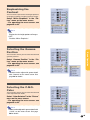
This function allows you to check the lamp
usage time.
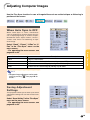
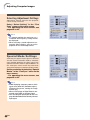
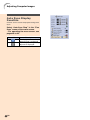
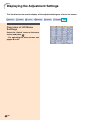
Select “Options” menu to see the lamp
usage time.
Lamp Usage Time
Note
• It is recommended that the lamp be
changed after approximately 1,900 cumulative hours of use.
-63