1
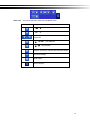
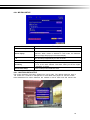
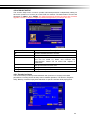
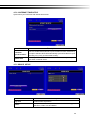
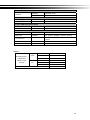
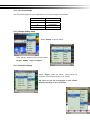
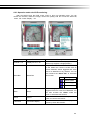
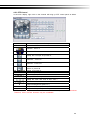
Item
Description
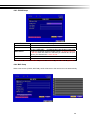
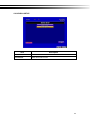
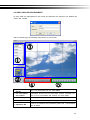
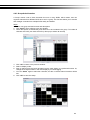
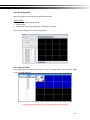
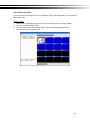
Mask Mouse Selection
Switch between “select” and “deselect” for cursor-dragging function
All Area Detection
Select entire screen as detection area.
Mask All Area
Deselect entire detection area.
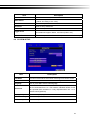
Continue
Continue setup
Exit & Save
Save setup and leave
Exit & Discard
Cancel setup and leave
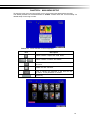
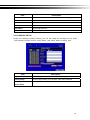
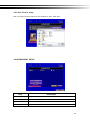
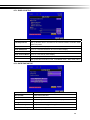
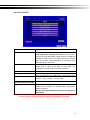
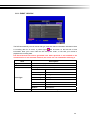
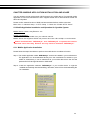
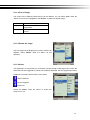
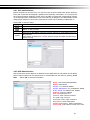
4-3 SCHEDULE SETUP
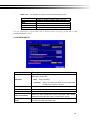
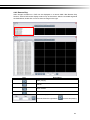
Except from starting recording manually, you can also setup the recording time by weeks
and schedule including normal, motion detect, and sensor detect recording type.
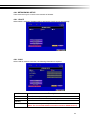
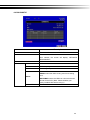
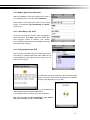
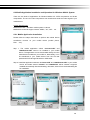
Item
Description
Page
Each page provides 10 schedules for setup. 5 pages in total.
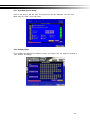
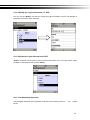
Holiday Setup
Enter to setup holiday, up to 50 days, other than weekends,.
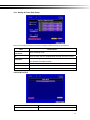
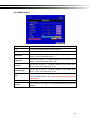
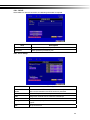
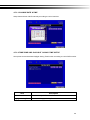
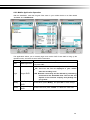
View Event/
View Normal/ Motion Setup
Motion Setup
19