1
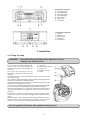
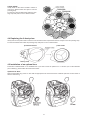
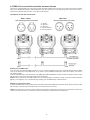
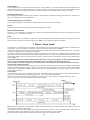
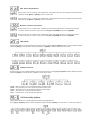
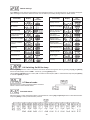
Colour-wheel:
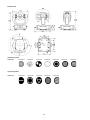
Gently bend out the colour-module to release it
from the 2 distance holes and eject it from the
pressing snap.
Put the new colour-module back under the pressing snap and push it to the 2 distance holes.
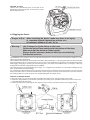
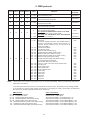
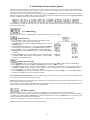
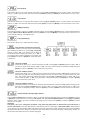
4.4 Replacing the 3-facet prism
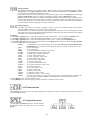
Gently bend out the prism holder to release it from the fixative holes of prism/frost fastener and eject it from the pressing snap.
Put the frost holder back under the pressing snap and push it to the 3 fixative holes.
prism/frost fastener
prism holder
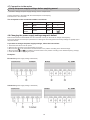
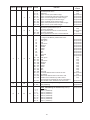
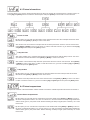
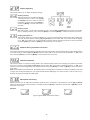
4.5 Installation of an optional lens
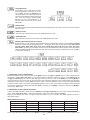
The device is delivered with a 15°-standard lens. If you wish to insert an optional 12° or 18°-lens (it is not the standard
part of delivery), please follow the instructions below:
Optional 12°-lens:
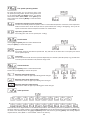
Remove the fixation-ring of the 15°-lens with an appropriate tool. Remove the lens. Install the optional 12°-lens and fix it
with the fixation-ring.
8