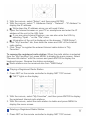
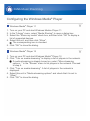
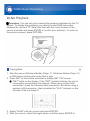
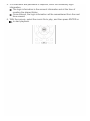
1
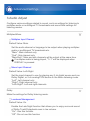
Front Left
Default Value: 0 dB
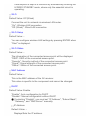
Select a value between "-12 dB" to "+12 dB". A test tone will be output
each time you change the value. Select the desired level.
Center
Default Value: 0 dB
Select a value between "-12 dB" to "+12 dB". A test tone will be output
each time you change the value. Select the desired level.
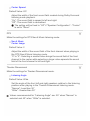
Front Right
Default Value: 0 dB
Select a value between "-12 dB" to "+12 dB". A test tone will be output
each time you change the value. Select the desired level.
Surround Right
Default Value: 0 dB
Select a value between "-12 dB" to "+12 dB". A test tone will be output
each time you change the value. Select the desired level.
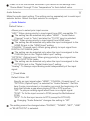
Back Right
Default Value: 0 dB
Select a value between "-12 dB" to "+12 dB". A test tone will be output
each time you change the value. Select the desired level.
The setting is not displayed if "Speaker Configuration" - "Back" is set
to other than "None" and also "Back ch" is set to "1ch".
This setting cannot be changed in any of the following cases.
– "Speaker Settings" - "Front Speakers Type" is set to "Bi-Amp".
– "Speaker Settings" - "Powered Zone 2" is set to "Yes" and also
Zone2 is set to on.
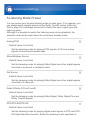
Back Left
Default Value: 0 dB
Select a value between "-12 dB" to "+12 dB". A test tone will be output
each time you change the value. Select the desired level.
The setting is not displayed if "Speaker Configuration" - "Back" is set
to other than "None" and also "Back ch" is set to "1ch".