1
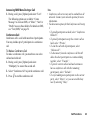
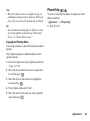
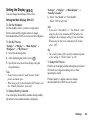
For “Via Infrared”
The phone starts searching for an infrared-enabled
device within 20 centimetres.
When detected, the infrared connection is established
and the file is sent.
Note
• Pictures/Sounds/Video clips protected with a
copyright cannot be sent.
• When pairing, you need to enter your passcode when
establishing contact with a Bluetooth wireless
technology enabled device for the first time except
when “Authentication” (p. 92) is set to “Off”.
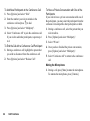
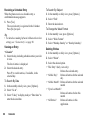
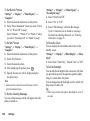
Receiving the My Items Data
When the phone receives the My Items data, a
confirmation message appears.
1. Press [Yes].
The received data is registered in the corresponding
My Items folder.
Press [No] to reject.
Tip
• For details on Infrared or Bluetooth wireless
settings, see “Connectivity” on page 90.
70
My Items
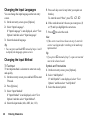
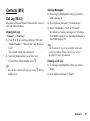
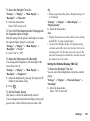
Text Templates (M 6-5)
You can register up to 20 text templates for use in text
messages and multimedia messages.
120 characters may be registered in any text template.
Adding Phrases to Text Templates
“My Items” → “Text Templates”
1. Select the number you wish to register.
2. Enter the text and press
.
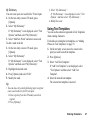
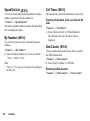
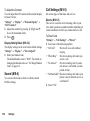
Editing Text Templates
“My Items” → “Text Templates”
1. Highlight the text template you wish to edit.
2. Press [Options] and select “Edit”.
3. Enter new text and press
.
Viewing Text Templates
“My Items” → “Text Templates”
The list of Text Templates is displayed.
1. Highlight the text template you wish to view.
2. Press [Options] and select “View”.