1
XV-DV323.book 52 ページ 2004年1月13日 火曜日 午後7時57分
11
Initial Settings menu
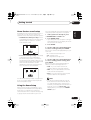
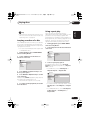
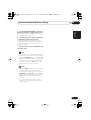
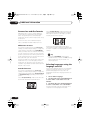
2 Use the number buttons to enter a 4digit password.
The numbers you enter show up as asterisks
(*) on-screen.
3 Press ENTER to register the password.
You will return to the Options menu screen.
Changing your password
To change your password, confirm your
existing password then enter a new one.
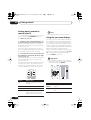
1
Select ‘Password Change’.
2 Use the number buttons to enter your
existing password, then press ENTER.
3 Enter a new password and press ENTER.
This registers the new password and you will
return to the Options menu screen.
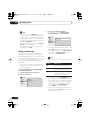
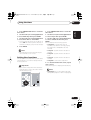
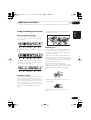
Setting/changing the Parental Lock
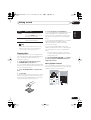
1
Select ‘Level Change’.
2 Use number buttons to enter your
password, then press ENTER.
3
Select a new level and press ENTER.
• Press (cursor left) repeatedly to lock
more levels (more discs will require the
password); press (cursor right) to
unlock levels. You can’t lock level 1.
This sets the new level and you will return to the
Options menu screen.
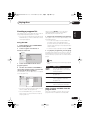
Setting/changing the Country code
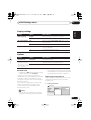
You can find the Country code list on page 69.
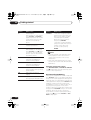
1
Select ‘Country Code’.
2 Use number buttons to enter your
password, then press ENTER.
3 Select a Country code and press ENTER.
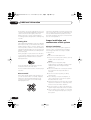
There are two ways you can do this:
• Select by code letter: Use / (cursor up/
down) to change the Country code.
52
En
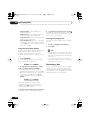
• Select by code number: Press (cursor
right) then use the number buttons to enter
the 4-digit Country code.
The new Country code is set and you will return
to the Options menu screen. Note that the new
Country code doesn’t take effect until the next
disc is loaded (or the current disc is reloaded).