1
Page 21
IP CAMERA USER MUANUAL
1. Apply the Domain Name (Take dns2p for example)
(1)
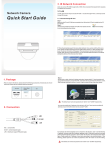
Register in the Web
Step 1: Fill in the blank of IE address with ‘www.dns2p.com’.
Step 2: Click
to enter the website.
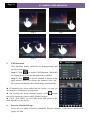
Step 3: Click "New User" in the right of homepage to register. For example: User ID is
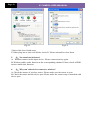
‘abc’, and password is ‘123456’. The register dialog display as below:
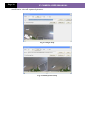
Register dialog box
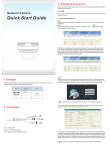
(2) Login
Step 1: Return to homepage after registering successfully.
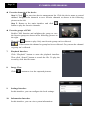
Step 2: Click "Account Manager" on the right of homepage to login.
Step 3: Input the username and password with the information that you have registered.
Step 4: Click "Enter" key after filling in the textbox.
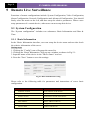
Log in
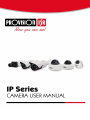
(3) Domain Setup
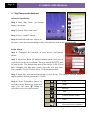
Step 1: Click "Domain Management" on the left to set the domain.
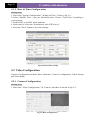
Domain setup
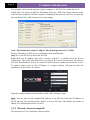
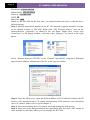
Step 2: Input the domain in the textbox. For example, you set ‘IP-CAMERA’ as the
domain.
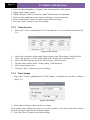
Step 3: Click "Submit" button, the system will pop up a dialog box to show that the
domain is added successfully.