1
EasyMP Operation Guide
18
Security Countermeasures for Wireless LAN
Preventing Unauthorised Access to the Wireless
LAN in Easy Connect Mode (NS Protect)
NS Protect is a personal firewall for Network Screen. NS Protect closes all
ports except the ports that are required for Network Screen connection and
control, so that unauthorised access from outside can be prevented.
To use NS Protect, a user with administrator privileges must login from a
Windows XP-based computer. Other users who do not have the privileges
can not use the function.
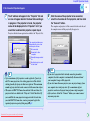
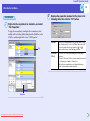
Follow the procedure given below to enable NS Protect. These settings
only need to be made once, and will be kept from then on.
PROCEDURE
1
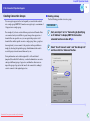
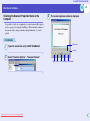
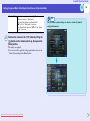
Carry out steps 1 to 3 in "Connecting by Specifying
an IP Address" to display EMP NS Connection
extended function window. sp.6
Downloaded From projector-manual.com Epson Manuals
2
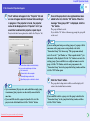
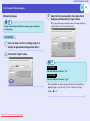
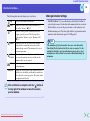
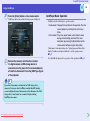
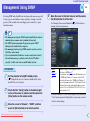
Select "Use NS Protect (In AdHoc mode only)." and
then click the "OK" button.