1
MIDI Functions
■ Song Filer • • • • • • • • • • • • • • • • • • • • • • • • • • • • • • • • • • • • • •
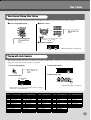
After you install Song Filer and connect the PSR-290 to the computer, you can
use the two functions described below.
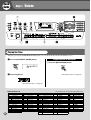
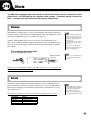
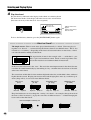
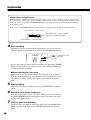
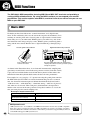
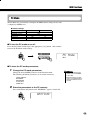
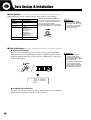
● Transmit Files
You can transmit song files from your computer to your PSR-290’s Flash
Memory.
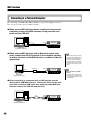
• Refer to page 68 for information
on connecting the PSR-290 to a
computer.
• You cannot use the Song Filer’s
“Receive Files” function with the
PSR-290.
• For more information on using
Song Filer, refer to the PDF manual included in the Song Filer
application.
Transmit
PSR-290
Computer
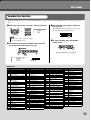
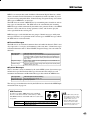
● Manage Files on Flash Memory
You can delete and rename files in your PSR-290’s Flash Memory from your
computer.
Delete
Rename
abcd.mid
abcd.mid
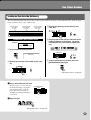
• Never attempt to turn the
power off while transmitting
song data. Doing so will not
only result in failure to save
the data, but also make the
internal flash memory unstable. It may also clear all the
data residing in the flash memory when turning the power on
and off.
• Saved data in the instrument
may be lost due to malfunction
or incorrect operation. Retain
important data to your computer or floppy disk.
efgh.mid
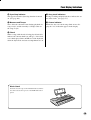
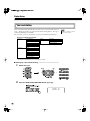
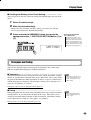
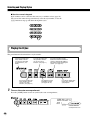
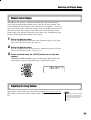
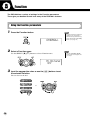
Selecting a right & left hand guide track
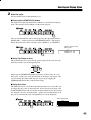
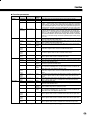
You can select a track in the Function mode (page 76) to guide your right and left hand fingering during the Lesson
(page 63).
This function is available only when you select a flash memory song (SMF format 0).
72