1
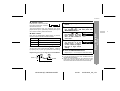
Software Installation
1
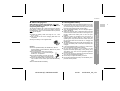
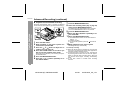
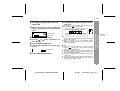
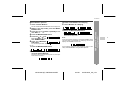
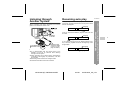
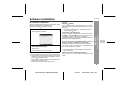
Insert BeatJam CD-ROM into the CD-ROM drive.
Setup application appears.
Caution:
Windows XP/2000
User with Administrator* rights needs to log on. Confirm
with the network or computer Administrator if you are in a
workgroup.
* User name in Administrator or Administrators group
under Windows 2000.
For Windows XP and Me user
When you use the "System Restore" system tool in Windows XP or Windows Me, all the music files that you
recorded or imported may become unplayable.
Please back up all your music files using the Backup Tool
before executing "System Restore".
2
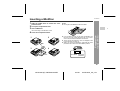
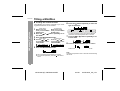
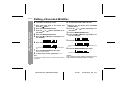
Click "BeatJam Setup".
Setup starts.
Follow the instructions on the screen.
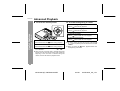
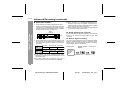
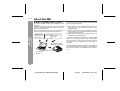
Installation does not start even if CD-ROM is inserted
If the setup application does not appear, perform the following.
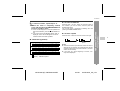
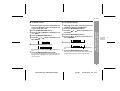
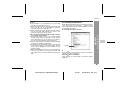
1. Click Windows "Start" button and select "My Computer".
Double click "My Computer" on the desktop if you use
Windows Me, 98SE or 2000.
2. Right click on "OMGBJ" indicating CD-ROM drive and
select "Open" from the menu.
3. Double click AUTOPLAY.EXE from the list.
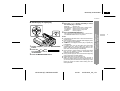
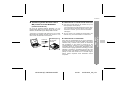
If a previous version of OpenMG Jukebox* or SonicStage* is currently installed on your computer
OpenMG Jukebox or SonicStage should be upgraded.
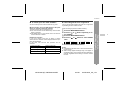
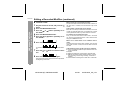
The screen appears to prompt you to upgrade the software. Click "Continue" to proceed.
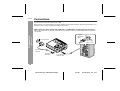
Net MD
Plugin and USB driver required for transferring music
files are also installed along with BeatJam.
(Example: Windows XP English version)
* OpenMG Jukebox and SonicStage are softwares of
Sony Corporation.
-Software Installation-
! Installation of BeatJam
IM-DR420H
6
5
4
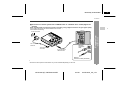
Hard disk contains old BeatJam database
You can select to reuse or delete the database during
setup.
3
2
1
47
IM-DR420H(E) TINSE0554AWZZ
7
03/7/21
IM-DR420H_UK_6.fm