1
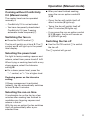
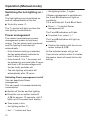
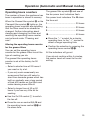
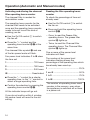
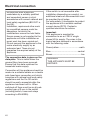
Activating Con@ctivity 2.0 Activating the hob Activation failed While the cooker hood is searching for a signal, start activating the hob. More information about this can be found in the Operating instructions for the hob. If connection cannot be established despite activating the Con@ctivity function on the cooker hood and hob, the function must be deactivated on both appliances and then the procedure repeated. When the hob registers that connection has been established, confirm activation on the cooker hood with the run-on option control 515. All indicators will go out. Confirm activation on the hob. Con@ctivity 2.0 is now ready to use. If you do not confirm within 4 minutes, activation will not take place. You only need to carry out the activation procedure once. If the appliances are disconnected from the electricity supply, during a power cut for example, they will still remain activated. 42 Deactivating Con@ctivity 2.0 Deactivation on the cooker hood is carried out in the same way as activation, by selecting "" instead of "". To deactivate the hob, please refer to the Operating instructions supplied with it. Please bear in mind that disabling the signal will also disable any remote control function and this will have to be activated again.