1
2.3.2 Favourite channels
2/2
Set up a favourite channel
Only watch your favourite channels
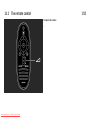
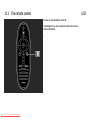
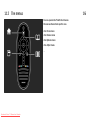
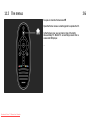
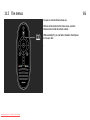
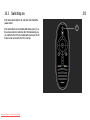
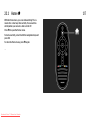
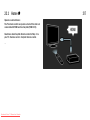
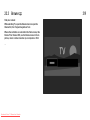
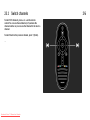
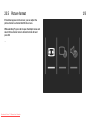
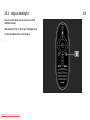
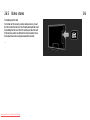
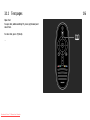
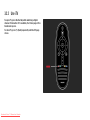
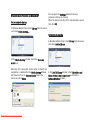
While watching TV, press e to open the Browse menu.
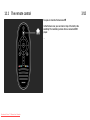
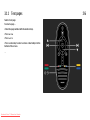
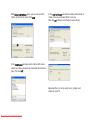
Select Channel list and press OK. Navigate to a channel you
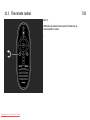
want to mark as favourite and press o (Options). Select
Mark as favourite. In the Channel list, the favourite channel
is marked with a F.
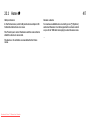
You can set the Channel list to show only your favourite
channels.
You can unmark a favourite channel with Unmark
favourite.
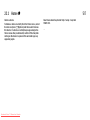
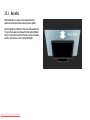
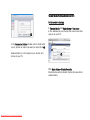
With the Favourites list selected, you will only see your
favourite channels when you look through the channels.
Downloaded From TV-Manual.com Manuals
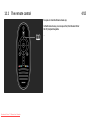
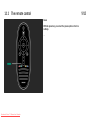
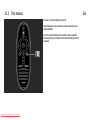
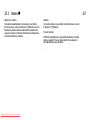
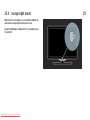
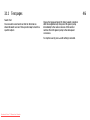
With the list on screen, press o (Options) and select
Select list. Select Favourites from the list and press OK.