1
Divar 700 Series
Operating instructions | en
3.
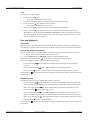
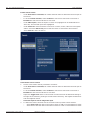
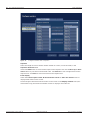
To activate or clear the entire area, select one of the following:
–
4.
12
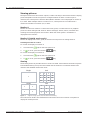
Draw all cells to activate the entire motion detection area.
–
Erase all cells to clear the entire motion detection area.
–
Check the Show grid box to outline grid zones.
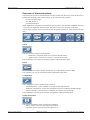
Select Search to start the search.
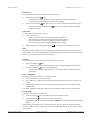
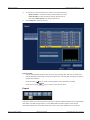
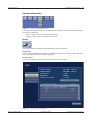
Figure 9
Search menu - Search results
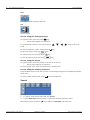
Search results
–
The recording fitting the filter and closest to the selected date and time is shown first.
–
Use the up/down arrow keys to move through the list. The selected recording is shown in
the preview window.
–
Press the enter
key for a full-screen playback of the selected recording.
–
Press the escape
key to return to the search menu.
Export
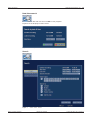
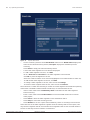
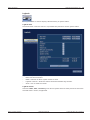
Figure 10
Top menu - Export video
The export menu is accessed from the top menu. It allows writing segments of recorded video
and audio to a USB storage device or recordable DVD. The main export screen shows
information about the connected media and a list of the video segments to be archived.
Bosch Security Systems
Operations manual
F.01U.140.955 | v3.0 | 2009.11