1
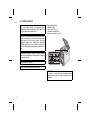
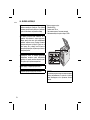
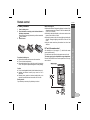
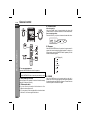
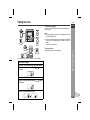
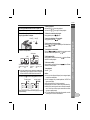
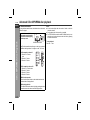
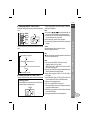
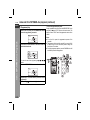
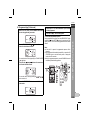
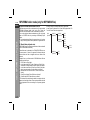
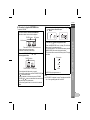
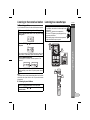
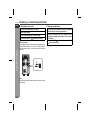
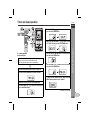
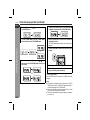
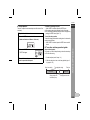
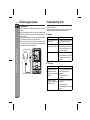
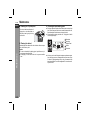
XL-E2H Sleep operation The radio, compact disc and cassette tape can all be turned off automatically. Play back the desired sound source. Press the SLEEP button to select the time. (Maximum: 90 minutes - Minimum: 10 minutes) Release the SLEEP button. "SLEEP" will appear. MHz Sleep and timer playback: For example, you can fall asleep listening to the radio and wake up to CD in the next morning. SLEEP 4 3 To use timer and sleep operation together SLEEP 3 1 2 To cancel the sleep operation: To cancel the sleep operation without setting the unit to the stand-by mode, proceed as follows. 1 Whilst "SLEEP" is indicated, press the SLEEP button to select 0 minute. The unit will enter the power stand-by mode automatically after the preset time has elapsed. 1 2 Set the sleep time (see left, steps 1 - 4). Whilst the sleep timer is set, set the timer playback (steps 2 10, pages 24 - 25). Sleep timer setting Timer playback setting 90 minutes Sleep operation will automatically stop. End time Desired time Advanced Features 1 2 To confirm the remaining sleep time: 1 Whilst "SLEEP" is indicated, press the SLEEP button. z The remaining sleep time is displayed for about 10 seconds. z You can change the remaining sleep time whilst it is displayed by pressing the SLEEP button (steps 2 - 3). ENGLISH Timer playback start time 4 5 6 7 8 9 E-26