1
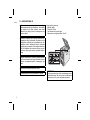
Setting the clock
XL-E2H
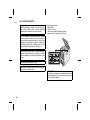
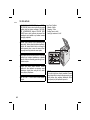
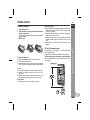
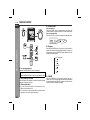
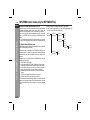
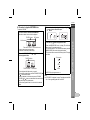
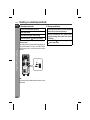
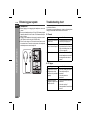
To confirm the time display:
Press the CLOCK/TIMER button.The time display will appear for
about 5 seconds.
ENGLISH
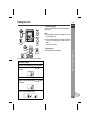
Notes:
z To reset the clock if the power fails or is unplugged, the unit must
be in the STAND-BY mode.
2
z "0:00" or time will flash when the AC power supply is restored after
a power failure or unplugging the unit or when reset button is
pressed.
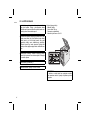
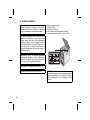
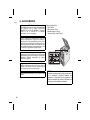
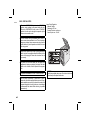
Readjust the clock as follows:
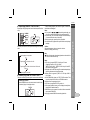
PRESET
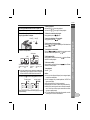
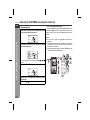
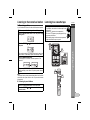
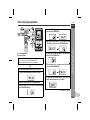
In this example, the clock is set for the 24-hour (0:00) display.
1
2
3
In STAND-BY condition.
4
5
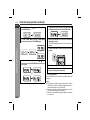
Press the CLOCK/TIMER button again.
Press the CLOCK/TIMER button for more than 2 seconds.
Within 10 seconds, press the PRESET (
set hour.
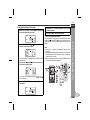
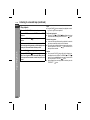
Within 10 seconds, press the PRESET (
set minute.
or
) button to
3
Basic Operation
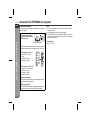
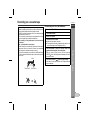
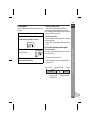
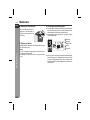
To readjust the clock:
Perform "Setting the clock" from beginning.
1
4
5
6
7
or
) button to
8
6
Press the CLOCK/TIMER button again.
9
E-10