1
5.5 Full Screen
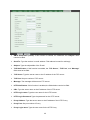
Enlarge video to full screen display.
: Enlarge video to full screen display. Press “ESC” key to return to the original screen
display.
5.6 Digital Zoom
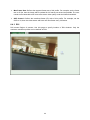
Click
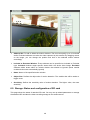
to activate this function as above. The user can scroll the mouth over the video to
adjust zoom ratio and position.
5.7 2-Way Audio
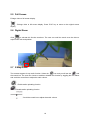
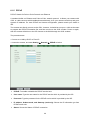
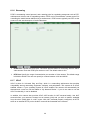
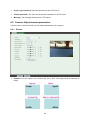
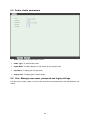
The camera supports 2-way audio function. Select the
icon and you will see the
and
the control bar. The user can choose to enable or disable this function by toggling the icon below
and scroll the control bar to adjust the audio volume.
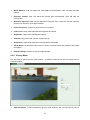
: Enable audio uploading function.
: Disable audio uploading function.
: Scroll the control bar to adjust the audio volume.
18