1
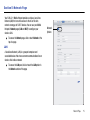
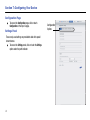
Config File Panel
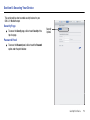
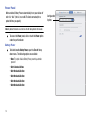
The Config File panel lets you save your Mobile Hotspot’s
configuration settings to another device for retrieval at a later
time.
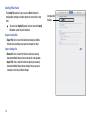
䊳
To access the Config File panel, click or touch the Config
File option under the path indicator.
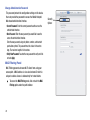
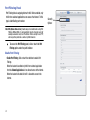
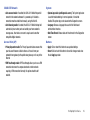
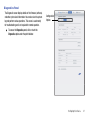
Export Config File
• Export File: Click or touch this button to download your Mobile
Hotspot’s device settings to your personal computer or tablet.
Inport Config File
• Choose file: Click or touch this button to select the previously
downloaded Mobile Hotspot’s device settings file to be uploaded.
• Import File: Click or touch this button to upload your previously
downloaded Mobile Hotspot device settings from your personal
computer or tablet to your Mobile Hotspot.
26
Configuration
Options