1
SOFT MENU FUNCTIONS
The QW1734 has an advanced design
which uses a menu system and soft
keys to access all of the built in features.
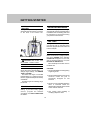
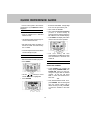
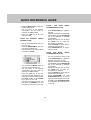
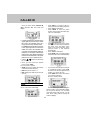
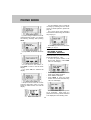
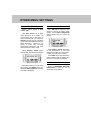
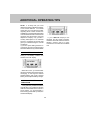
Example of the idle mode display:
• Press SAVE to save the phone
number in the Phone Book directory.
The LCD will display:
NEW:
•
The number of Caller ID records
not previously viewed
TOTAL: The total number of stored
Caller ID records (50 max.)
•
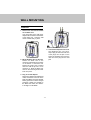
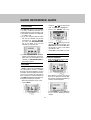
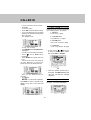
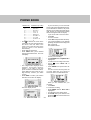
RDL (Redial)
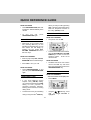
Press RDL to display the last 3
telephone numbers dialed. The number
on the top line is the most recent number
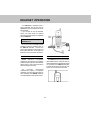
dialed. The display will look like:
•
•
•
•
•
Use the
/
soft keys to select
desired number.
Once highlighted, press PHONE to
dial.
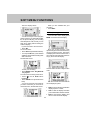
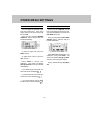
To save the phone number in the
phone book directory, press SAVE.
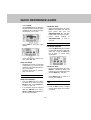
The LCD will display:
•
•
•
Press PSE if you want to add a 2
second pause in the dialing sequence.
• Press CLR to backspace
21
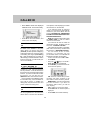
Using the keypad, enter the desired
name (15 character maximum)
Press to advance the cursor to the
next space. You won’t have to
advance the cursor if the next letter
of the name is not on the same key
as the previous letter; it will advance
automatically.
Press CLR to backspace
Press SAVE when you finished
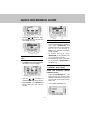
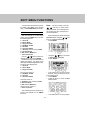
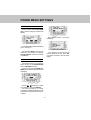
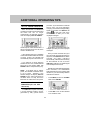
entering the desired name. The LCD
will display:
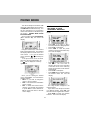
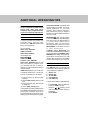
The 2-digit location displayed is the
smallest, unoccupied directory
location. If you want to save the
phone number in a different location,
press CLR, and then enter the two
digit directory location you desire
(01-25).
Press SAVE to confirm your location
selection. The screen will display: