1
Displaying video
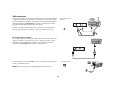
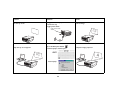
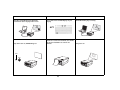
remove lens cap
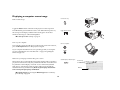
Remove the lens cap.
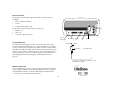
Toggle the Power switch on the side of the projector to the On position.
toggle Power switch
The LED flashes green and the fans start to run. When the lamp comes on,
the start-up screen is displayed and the LED is steady green. It can take a
minute for the image to achieve full brightness.
? No start up screen? Get help on page 22.
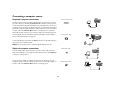
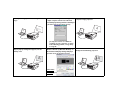
Plug in and turn on your video device.
turn on video device
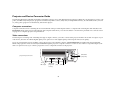
The video device’s image should appear on the projection screen. If it
doesn’t, press the Video button on the keypad.
? No image? Try pressing the Source or Auto Image. Get help on
page 22.
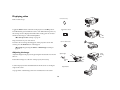
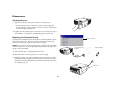
Adjusting the image
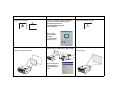
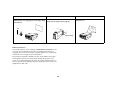
adjust height
rotate
leveling
foot
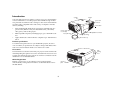
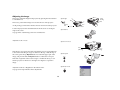
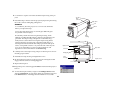
Adjust the height of the projector by pressing the release button to extend
the foot.
Rotate the leveling foot at the rear of the projector, if necessary.
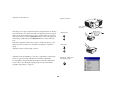
elevator
foot
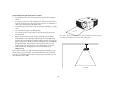
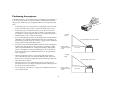
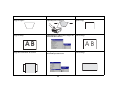
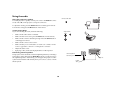
Position the projector the desired distance from the screen at a 90 degree
angle to the screen.
adjust distance
See page 44 for a table listing screen sizes and distances to the screen.
19
release button