1
12
ZPL Commands
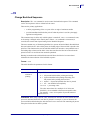
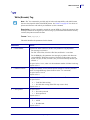
^A
^A
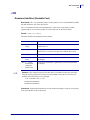
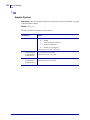
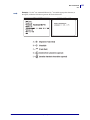
Scalable/Bitmapped Font
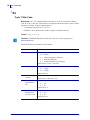
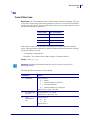
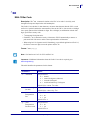
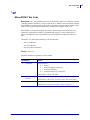
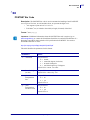
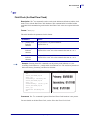
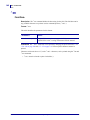
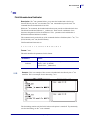
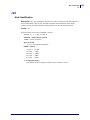
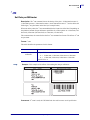
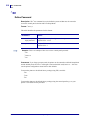
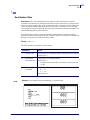
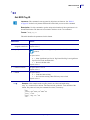
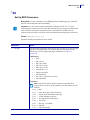
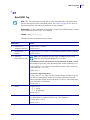
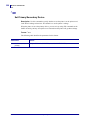
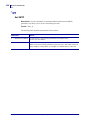
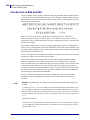
Description The ^A command specifies the font to use in a text field. ^A designates the font
for the current ^FD statement or field. The font specified by ^A is used only once for that ^FD
entry. If a value for ^A is not specified again, the default ^CF font is used for the next ^FD
entry.
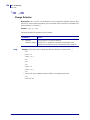
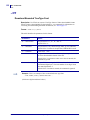
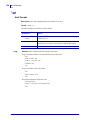
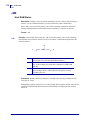
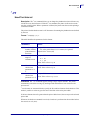
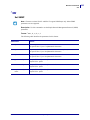
Format
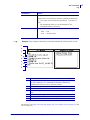
^Afo,h,w
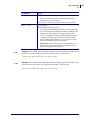
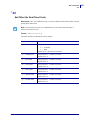
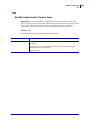
Important • Parameter f is required. If f is omitted it defaults to the last value of the ^CF
command.
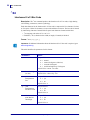
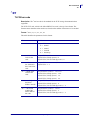
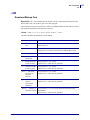
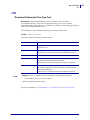
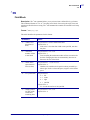
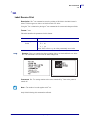
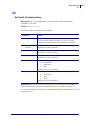
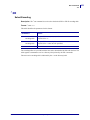
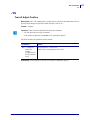
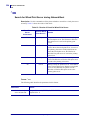
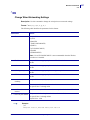
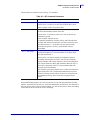
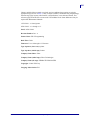
This table identifies the parameters for this format:
45541L-004 Rev. A
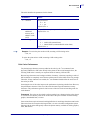
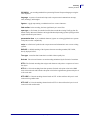
Command
Details
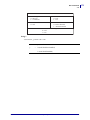
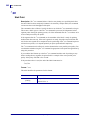
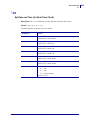
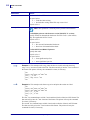
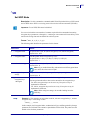
f = font name
Accepted Values: A through Z, and 0 to 9
Any font in the printer (downloaded, EPROM, stored fonts,
fonts A through Z and 0 to 9).
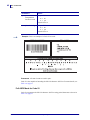
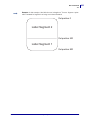
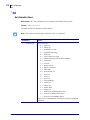
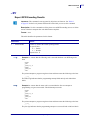
o = field orientation
Accepted Values:
N = normal
R = rotated 90 degrees (clockwise)
I = inverted 180 degrees
B = read from bottom up, 270 degrees
Default Value: the last accepted ^FW value or the ^FW default
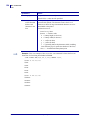
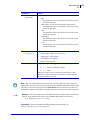
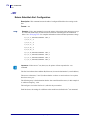
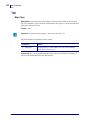
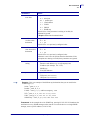
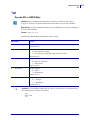
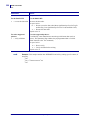
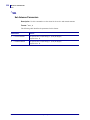
h = Character Height
(in dots)
Scalable
Accepted Values: 10 to 32000
Default Value: last accepted ^CF
Bitmapped
Accepted Values: multiples of height from 1 to 10 times the
standard height, in increments of 1
Default Value: last accepted ^CF
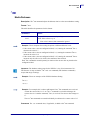
w = width (in dots)
Scalable
Accepted Values: 10 to 32000
Default Value: last accepted ^CF
Bitmapped
Accepted Values: multiples of width from 1 to 10 times the
standard width, in increments of 1
Default Value: last accepted ^CF
ZPL II Programming Guide
9/15/06