1
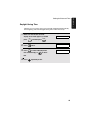
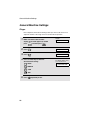
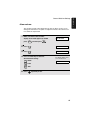
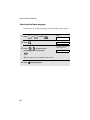
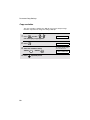
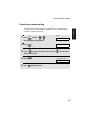
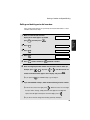
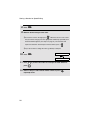
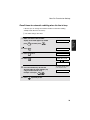
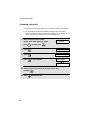
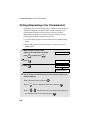
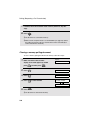
Key tone off
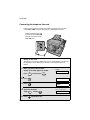
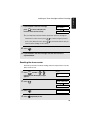
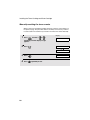
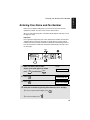
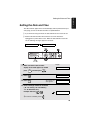
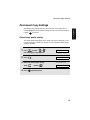
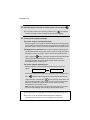
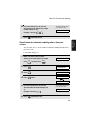
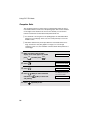
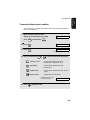
The machine normally sounds a beep (key tone) each time you press a key on
the operation panel. If you wish to turn off the key tone, follow the steps below.
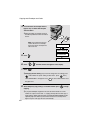
Display:
COPY
1
Press
2
Press
.
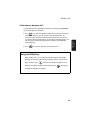
1: ON, 2: OFF
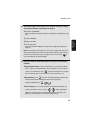
3
Press
to turn on the key tone or
The display briefly shows
your selection, then:
(or
SCAN
) and then
to turn off the key tone.
4
Press
MENU
.
COMMON SETTING
4: LANGUAGE
repeatedly to exit.
49
1. Installation
General Machine Settings