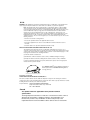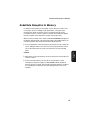
1
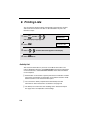
Sending a Fax
3
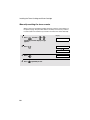
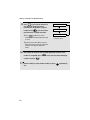
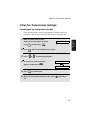
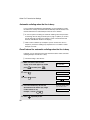
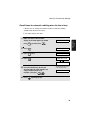
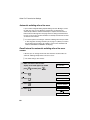
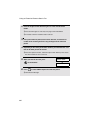
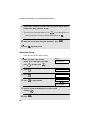
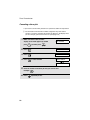
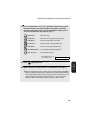
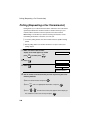
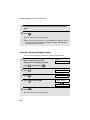
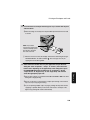
The default temporary fax settings are as follows. To change a setting,
see Selecting Temporary Fax Settings on page 75.
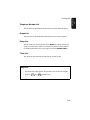
x Resolution: STANDARD
(Note: The default resolution setting can be changed as explained on page
82.)
x Contast: NORMAL
3. Sending
Faxes
x Duplex Scan: OFF
x Line monitor: OFF
(Note: The default Line Monitor setting can be changed as explained on
page 83.)
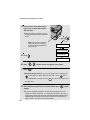
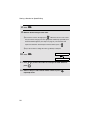
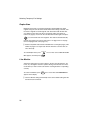
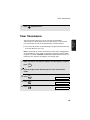
Note: After temporary fax settings are selected, the settings will revert to the
above default settings if the auto clear time elapses without any keys being
pressed on the operation panel (see page 48). You can also press
to
reset the settings to the default settings.
4
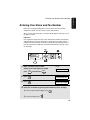
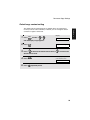
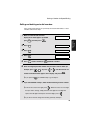
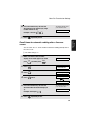
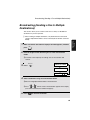
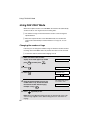
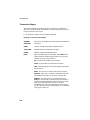
Enter the number of the receiving machine using one of the following
methods:
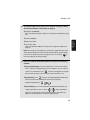
x Direct Keypad Dialing: Press the number keys to enter the fax number.
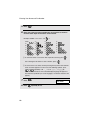
Note: If a pause is required between any of the digits to access a special
service or an outside line, press
REDIAL
. The pause will appear as a hyphen
(two seconds per pause). Several pauses can be entered in a row.
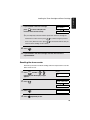
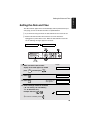
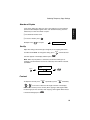
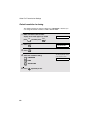
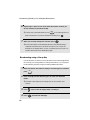
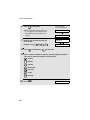
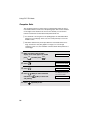
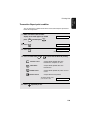
x Speed Dialing: Press
SPEED
and enter the 2-digit Speed Dial number that
has been stored for the receiving fax machine (see page 70).
Example: Speed Dial 01:
SPEED
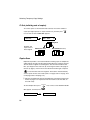
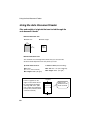
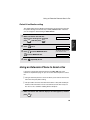
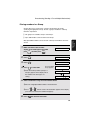
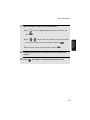
x Search Dialing: If you cannot remember which Speed Dial number you
stored a destination in, you can press
Z
or
A
until the destination
appears in the display (the name programmed for the destination will
appear, or the fax number if no name was programmed).
67