1
General control
DV-AT4000
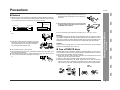
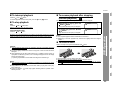
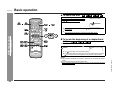
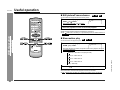
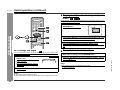
" To turn the power on
1 Set the POWER switch on the main unit to
ON.
The stand-by indicator lights up.
2
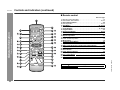
When the stand-by indicator is lit, you can turn the power on or put
the unit in stand-by mode, using the ON/STAND-BY button on the remote control.
After use:
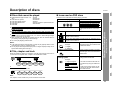
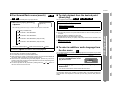
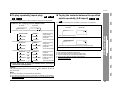
" To change the display brightness (3 levels)
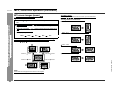
You can switch the display brightness by pressing the DIMMER button.
Each time the button is pressed, the display brightness changes in the following
order.
Brightened
Dimmed
- General control -
OFF.
The stand-by indicator will go out.
Preparation for Use
When not using this unit, set the POWER switch on the main unit to
Dimmed further
21