1
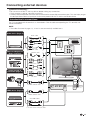
Connecting external devices
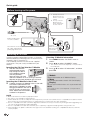
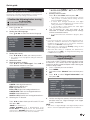
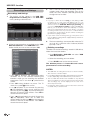
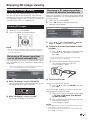
SCART connection
Example of connectable devices
● VCR ● Decoder
● DVD player/recorder
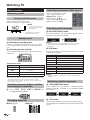
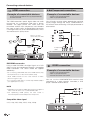
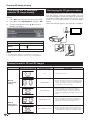
Speaker/amplifier connector
Example of connectable devices
● Connecting an amplifier with digital audio
input
SCART cable
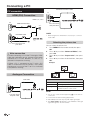
Connect an amplifier with external speakers as shown
below.
Optical Audio cable
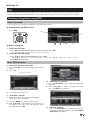
SCART (AV/RGB/S-VIDEO)
Decoder
NOTE
•
In cases when the decoder needs to receive a signal from
the TV, make sure to select the appropriate input terminal to
which the decoder is connected in “Source List” (Page 10).
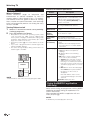
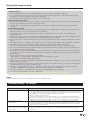
DIGITAL
AUDIO
OUTPUT
Amplifier with optical
digital audio input
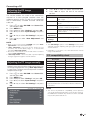
● After connecting
Digital audio output setting
After connecting an amplifier with optical digital
audio input as shown, you should set an audio
output format compatible with the programme you
are watching or the device connected.
Go to “MENU” > “Sound” > “SPDIF Mode” >
select “PCM” or “Dolby Digital”.
NOTE
• When you set this to “Dolby Digital”, and you
receive the Dolby Digital or Dolby Digital Plus audio
formats, Dolby Digital audio is output. Otherwise,
PCM audio is output.
When you set this to “PCM”, PCM audio is output
no matter what audio formats you receive.
15