1
6. More Functions
6.1 Introduction
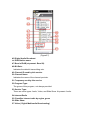
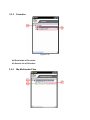
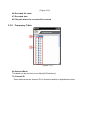
Note other advanced functions, including “Screen Mode”, “Favorites”, “My Multimedia
Files” and “Recall Last Service”.
6.2 Boundary Mode/ Stick Mode
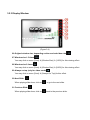
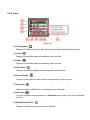
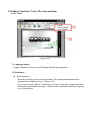
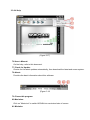
1. Click “Boundary Mode”
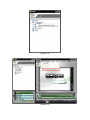
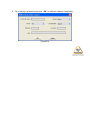
on the upper right corner of “Tuner”, the Tuner window will
be reduced to left edge of the screen. When cursor left out Tuner over 3 seconds, the
Tuner will disappear automatically; when cursor move to the left edge, Tuner will slide off
the window automatically. (Figure6.1)
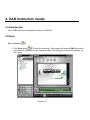
2. When you want to switch Boundary Mode to Stick Mode, click
to turn it back to stick
mode. The Tuner will stick to the main window.
3. You can drag the program window edge to adjust the window size. This function is
supported in any mode.