1
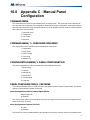
Default is disabled
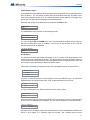
Panel Configuration/Features/Signal silence isolator
Sig. isolators
[ ] Enabled
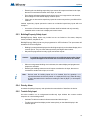
This feature makes the system aware that the isolators are present on the main panel powered output
circuits if enabled. Default is disabled.
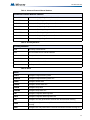
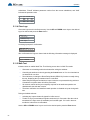
Panel Configuration/Features/Strobe types
Strobes type
[x] Normal
[ ] System Sensor
[ ] Mircom
[ ] Wheelock
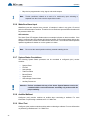
Select the strobe manufacturer for synchronous strobes. Synchronous strobes are driven by following a
different ON/OFF pattern depending on the manufacturer’s specification. Normal means the strobes are
not synchronized and when the circuit gets active it is turned ON steady. This feature applies to the main
panel powered output circuits, configured as strobes, only.
i
Note:
Once a specific type of strobe is selected, for example Mircom, then only this
type of strobe is allowed for the entire system.
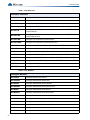
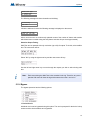
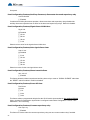
Panel Configuration/Features/Evacuation code
Evac. Code
[ ] Continuous
[ ] March Time
[x] Temporal
[ ] California
Select the evacuation code for the 2nd stage in a two stage system and for the 1st stage in a single stage
system.
Panel Configuration/Features/Building alert
Bldg. alert
[ ] Enabled
Alert sounds for building input activation. Default is disabled.
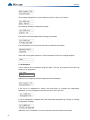
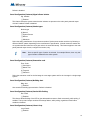
Panel Configuration/Features/Device LED flashing
Dev. Flash
[ ] Enabled
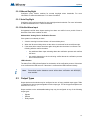
This feature allows flashing of the LED on the addressable sensors to flash momentarily, while polling, if
enabled. The input and output modules LED always flashes, while polling, regardless of this feature
enabled or disabled.
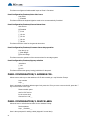
Panel Configuration/Features/Class-A loop
Loop ClassA
[ ] Enabled
93