1
H6 Handy Recorder
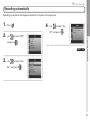
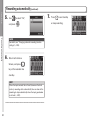
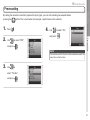
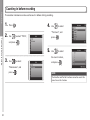
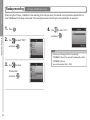
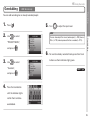
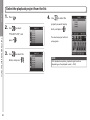
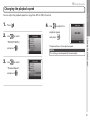
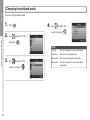
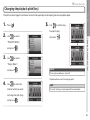
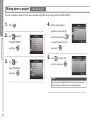
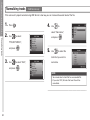
Changing the playback pitch (key)
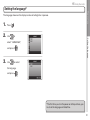
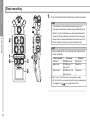
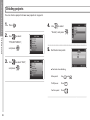
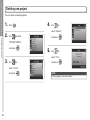
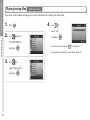
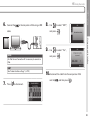
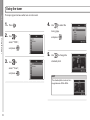
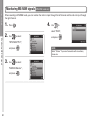
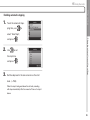
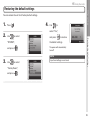
1.
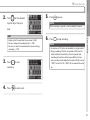
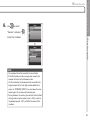
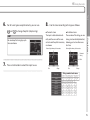
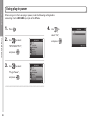
5.
.
Use
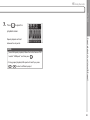
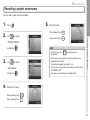
to set the play-
back pitch (key),
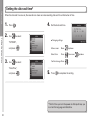
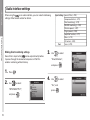
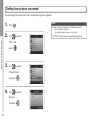
Use
to select
and press
.
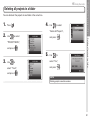
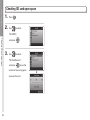
“PROJECT MENU”,
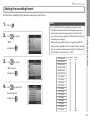
and press
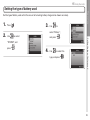
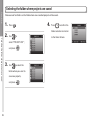
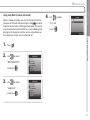
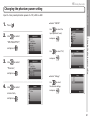
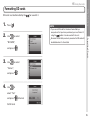
3.
Use
.
to select
“Project Mixer”,
and press
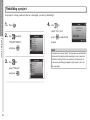
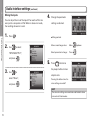
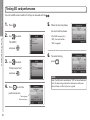
4.
.
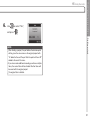
NOTE
This can be set between 6 and 6.
Changing the playback pitch (key)
2.
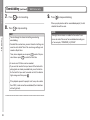
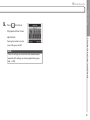
Press
Playback
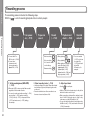
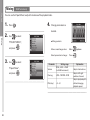
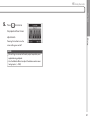
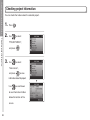
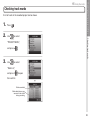
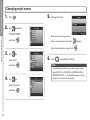
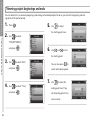
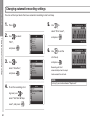
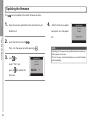
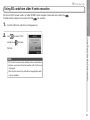
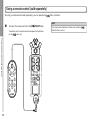
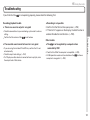
The pitch can be changed in semitones for each track separately while keeping the same playback speed.
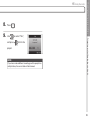
Playback will occur with the changed pitch.
Use
to select the
track for which you want
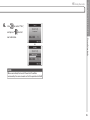
HINT
This pitch setting is saved separately for each project.
to change the pitch (key),
and press
.
45