1
Crestron DGE-2
Digital Graphics Engine
Video
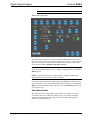
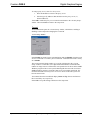
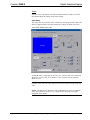
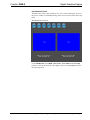
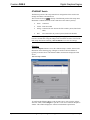
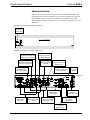
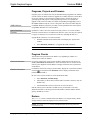
Each one of the video inputs is selected and adjusted from this window. Touch an
input tab and adjust the settings for the selected input.
Video Setup
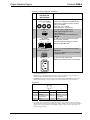
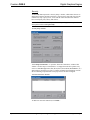
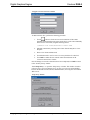
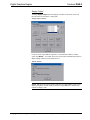
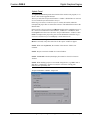
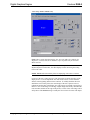
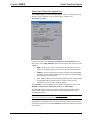
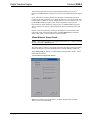
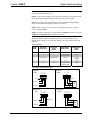
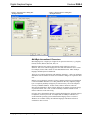
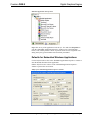
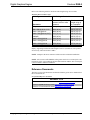
The setup screen for each video source contains the settings appropriate to that video
format, as displayed in the following illustrations. Changes are made in real time.
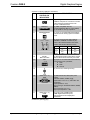
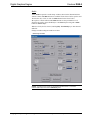
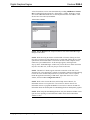
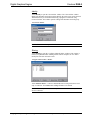
“Video Setup” Window (VGA 1 Tab)
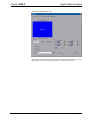
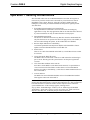
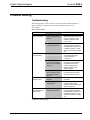
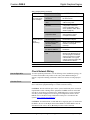
VGA/RGB video is setup using the Position, Size, Calibrate and Color controls (for
Brightness, Contrast, Red, Green and Blue). Up to 30 presets may be stored for
future retrieval.
NOTE: Depending on RGB source, when the video position and/or size is adjusted
beyond a certain value, the video display is black. Reversing the setting restores the
video.
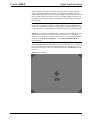
NOTE: The DGE-2 uses chroma key color (with RGB values 4,4,4) for rendering
video. Any elements in a project (e.g., controls) that use the same color appear
transparent on the display.
Operations Guide – DOC. 6809E
Digital Graphics Engine with DigitalMedia™ CAT Connectivity: DGE-2 • 29