1
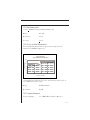
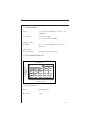
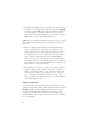
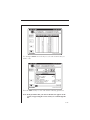
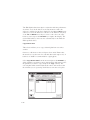
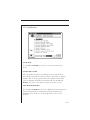
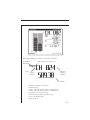
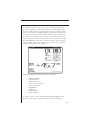
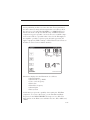
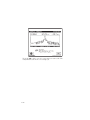
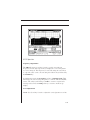
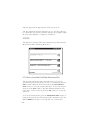
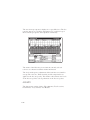
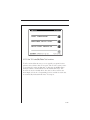
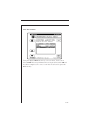
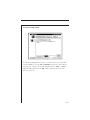
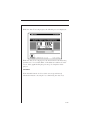
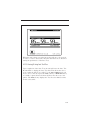
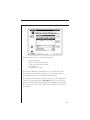
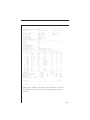
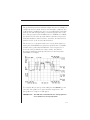
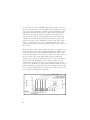
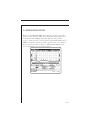
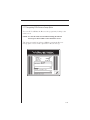
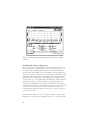
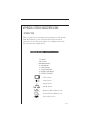
Information displayed in the Scan mode is as follows:
• Channel number
• Channel label
• Video carrier frequency and level (numerical)
• Audio carrier frequency and level (numerical)
• Histogram graph of carrier levels
• Delta between audio and video levels
• Selected channel plan
• Battery status
• Test point compensation (appears only if a nonzero value
is programmed during setup)
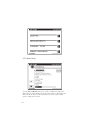
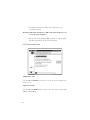
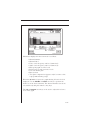
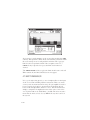
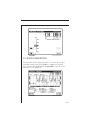
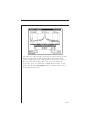
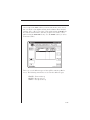
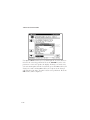
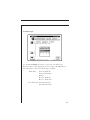
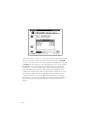
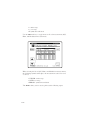
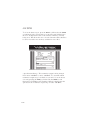
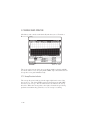
When the SCAN key is pressed a graph showing all carrier levels is
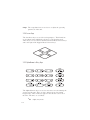
displayed. Use the RIGHT and LEFT arrow keys to position the
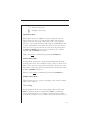
marker to on the desired channel. The channel numbers can also be
entered directly using the numeric entry keys.
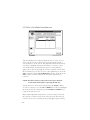
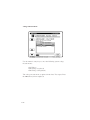
The UP and DOWN arrow keys can be used to adjust the reference
level of the graph.
4-27