1
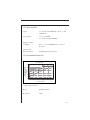
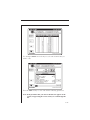
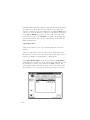
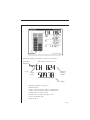
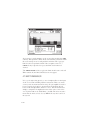
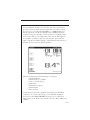
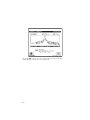
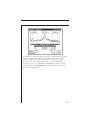
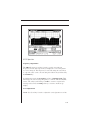
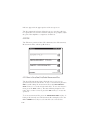
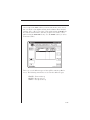
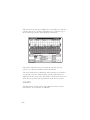
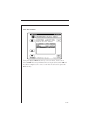
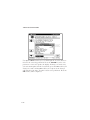
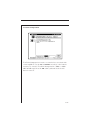
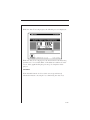
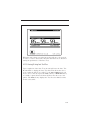
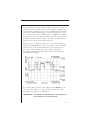
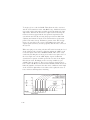
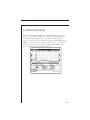
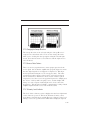
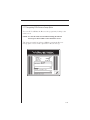
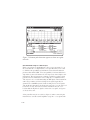
The stored sweep response is displayed as a gray-filled area. The live
response appears as a solid line superimposed or overlaid on top of
the stored sweep response and is updated continuously.
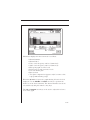
The names of the file being viewed and the currently selected
reference are shown beneath the marker information.
The level and frequency adjustments affect both the stored and live
sweeps. The reference, limits checking and tilt compensation are
applied to the live sweep only. The marker values indicate the levels
of the live sweep. Auto scale is performed on the live sweep data.
4.13 AUTO
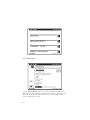
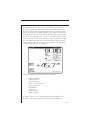
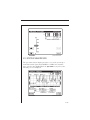
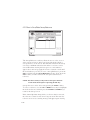
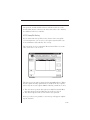
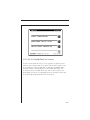
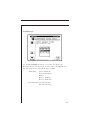
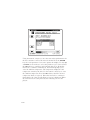
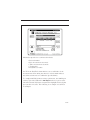
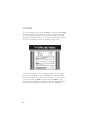
The Auto menu consists of three File submenus; Test Locations,
Perform Auto Test, and Auto Test Results.
4-48