1
ds_phones.qxp
5/11/2006
8:07 AM
0
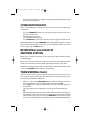
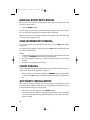
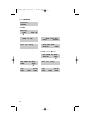
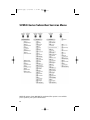
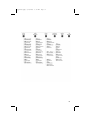
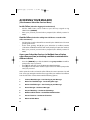
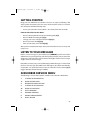
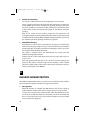
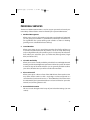
PLAY MENU OPTIONS
EXIT TO AUTO ATTENDANT
#
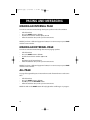
PERSONAL SERVICES
Page 70
1 or 3
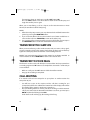
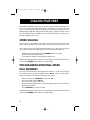
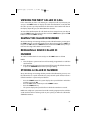
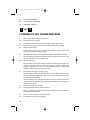
LISTENING TO OLD OR NEW MESSAGES
1
Play / replay the message you just heard.
11
Play the previous message.
2
Save the message you just heard and listen to the next message.
3
Delete the message you just heard and listen to the next message.
4
Reply to the message.
This will allow you to leave a message in the mailbox of the sender (if the
sender has a mailbox on this system).
5
Return the call directly to the telephone number that left the message.
This will work for internal and external callers, but Caller ID service is needed to use this feature on an outside call.
55
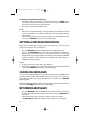
Deliver a fax copy.
This will allow you to receive attached faxmail document(s). Faxmail documents can be delivered to any fax machine of your choice as long as out
calling is authorized. You can also have faxmail messages automatically
delivered to the fax machine of your choice.
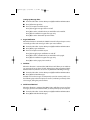
6
Forward the message and saves a copy.
The subscriber can be selected by dialing their mailbox number (nnn),
using the directory service (#) or you may also add comments and leave it
as a memo to yourself (##).
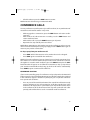
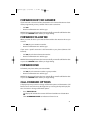
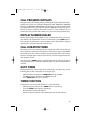
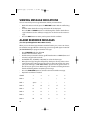
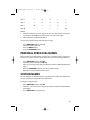
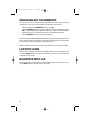
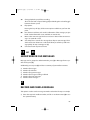
The Send and Copy Service (option 6) allows a user to send copies of a message to multiple recipients easily. A different introduction message may be
left for each recipient.
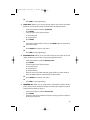
7
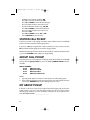
Rewind the message 5 seconds.
77
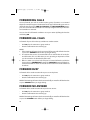
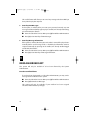
Change playback volume of the recording.
There are two levels of volume during playback. Dialing this code will toggle between the two levels.
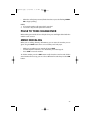
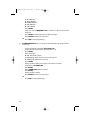
8
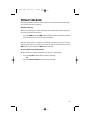
Pause or resume during message playback.
9
Fast forward the message 5 seconds.
64