1
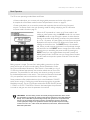
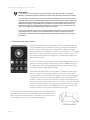
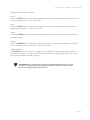
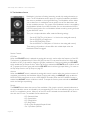
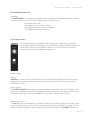
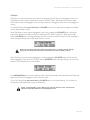
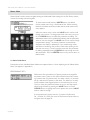
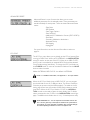
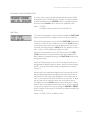
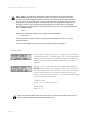
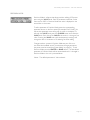
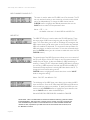
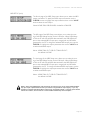
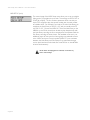
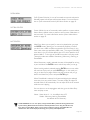
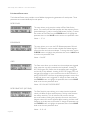
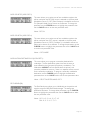
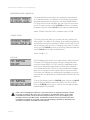
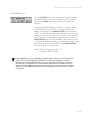
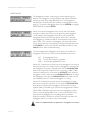
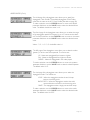
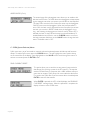
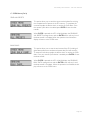
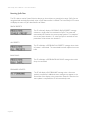
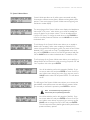
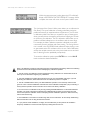
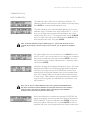
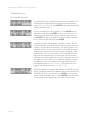
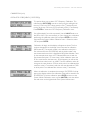
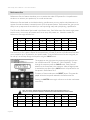
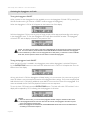
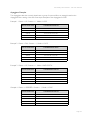
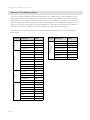
Slim Phatty User’s Manual - The User Interface KEYBOARD PRIORITY (KB PRIOR): The Keyboard Priority menu allows you to select the keyboard priority for individual presets. The default is GLOB (Global), which inherits the global keyboard priority setting from the Master KEYBD PRIORITY menu, but this can be changed to low note, high note or last note priority. To make a change, use the CURSOR to move to the priority parameter field, then use the VALUE knob to select the desired value. Values: GLOB, LOW, HIGH, LAST; the default value is GLOB TUNING SCALE The Tuning Scale menu allows you to select the tuning scale for individual presets. The default is GL (Global), which inherits the global keyboard priority setting from the Master TUNING SCALE menu, but this can be changed to any one of the 32 assigned tuning scales To make a change, use the CURSOR to move to the priority parameter field, then use the VALUE knob to select the desired value. Values: GLOB, 0 - 31 POT MAP: The Pot Mapping menu allows you to make arbitrary MIDI Continuous Controller (CC) assignments to each of the four Analog Edit knobs on the front panel (MOD, OSC, FILT, and EGR). Additionally, the four knobs can be individually programmed to provide internal, external, or combined MIDI control. Among its many possibilities, Pot Mapping allows you to ‘reprogram’ the four panel knobs to control any of the SP functions. For example, you could program Pot Mapping to give you control of Filter Cutoff, Resonance, Overload and EG Amount, all at the same time. To set up Pot Mapping, press the CURSOR button and use the VALUE knob to select the desired control knob (MOD, OSC, FILT, or EGR). Press the CURSOR button again to move to the next field and select the desired MIDI CC parameter. NOTE: When Pot Mapping is enabled for a given panel section, the mapping assignment overrides the normal CC assignments in that section. For example, in the Modulation section, the LFO Rate is transmitted as CC#03, and the Amount transmitted as CC #06. If you set up Pot Mapping in the Modulation section to send MIDI CC#21, the Modulation knob will exclusively transmit CC#21 when Pot Mapping is enabled, and not CC#03 or #06. When Pot Mapping is disabled, the Modulation knob will revert to sending the normal MIDI CC’s #03 and #06. Page 38