1
Adding Staples to the Finisher
Adding Staples to the Finisher
The printer will pause during a stapling job when the
staple cartridge in the optional Finisher is empty. Follow
these steps to place a new staple cartridge into the
Finisher.
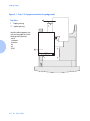
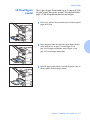
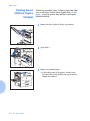
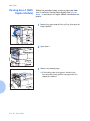
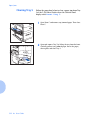
1
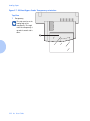
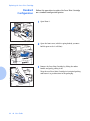
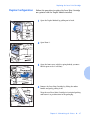
Open the access door on the side of the Finisher.
Staple replacement and jam clearance instructions
are also displayed on the panel behind the access
door.
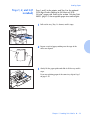
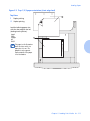
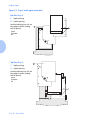
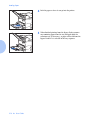
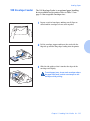
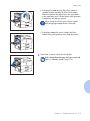
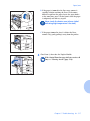
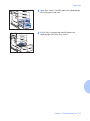
2
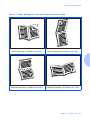
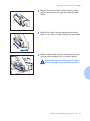
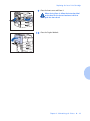
Place one hand under the cartridge. Use your other hand
to release the cartridge from the Finisher by pushing
down on the latch as shown.
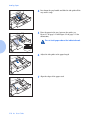
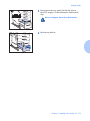
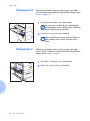
3
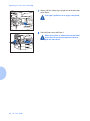
Remove the empty cardboard from the cartridge by
pressing the clear plastic tab on the top rear of the
cartridge as the hand on the right is doing in the figure.
Chapter 4: Maintaining the Printer
❖ 4-11