1
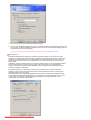
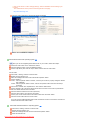
- Aqua
- Sepia
Off
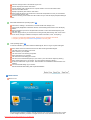
Color Effect
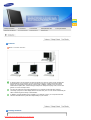
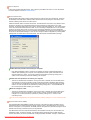
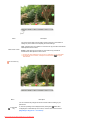
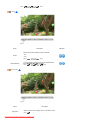
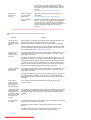
This applies an achromatic color to the screen to
adjust the screen effects.
Grayscale The default colors of black and white are
displayed.
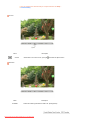
Green
This applies the green color effect to a black and
white screen.
Aqua
This applies the aqua color effect to a black and
white screen.
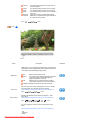
Sepia
This applies the Sepia color effect to a black and
white screen.
MENU →
,
→
→
,
→
→
,
→ MENU
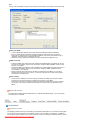
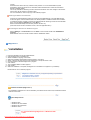
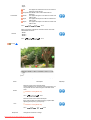
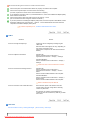
Gamma correction changes the luminance of the colors with
intermediate luminance.
Gamma
- Mode 1
- Mode 2
- Mode 3
MENU →
,
→
→
,
→
→
,
→ MENU
Image
( Not available in MagicColor mode of Full and Intelligent. )
Menu
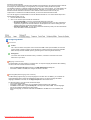
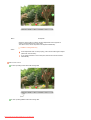
Coarse
Description
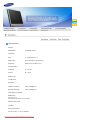
Removes noise such as vertical stripes.
Coarse adjustment may move the screen image area. You
may relocate it to the center using the horizontal control
menu.
Available in analog Mode Only
MENU →
,
→
→
→
,
→ MENU
Removes noise such as horizontal stripes.
If the noise persists even after fine tuning, repeat it after
adjusting the frequency (clock speed).
Fine
Available in analog Mode Only
MENU →
Sharpness
,
→
→
,
→
→
,
Changes the clearance of image.
Downloaded from ManualMonitor.com Manuals
→ MENU
Play/Stop