1
3.3.3 Open Ports
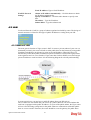
Open Ports allows you to open a range of ports for the traffic of special applications.
Common application of Open Ports includes P2P application (e.g., BT, KaZaA, Gnutella,
WinMX, eMule and others), Internet Camera etc. Ensure that you keep the application
involved up-to-date to avoid falling victim to any security exploits.
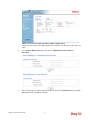
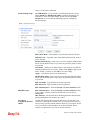
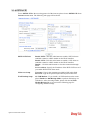
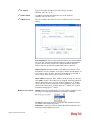
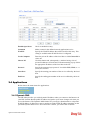
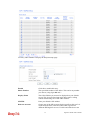
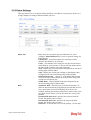
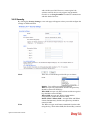
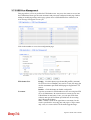
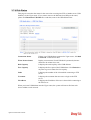
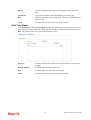
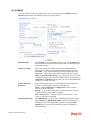
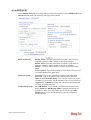
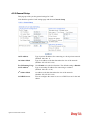
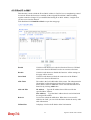
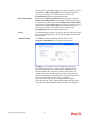
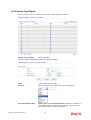
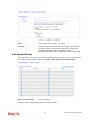
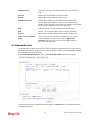
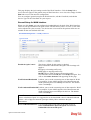
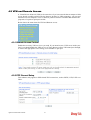
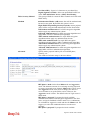
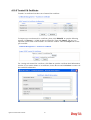
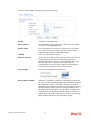
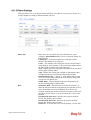
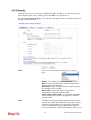
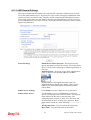
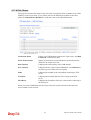
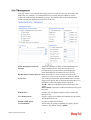
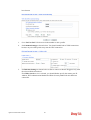
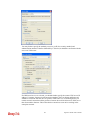
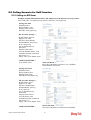
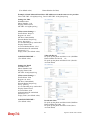
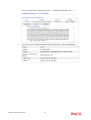
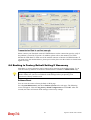
Click Open Ports to open the following page:
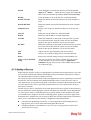
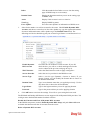
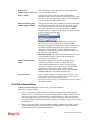
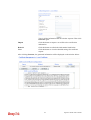
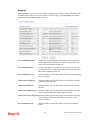
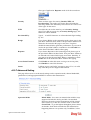
Index
Indicate the relative number for the particular entry that you want to
offer service in a local host. You should click the appropriate index
number to edit or clear the corresponding entry.
Comment
Specify the name for the defined network service.
Local IP Address
Display the private IP address of the local host offering the service.
Status
Display the state for the corresponding entry. X or V is to represent
the Inactive or Active state.
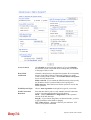
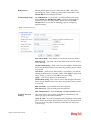
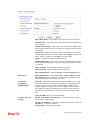
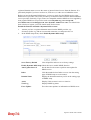
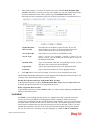
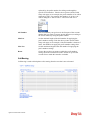
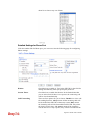
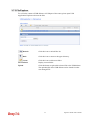
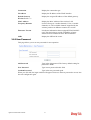
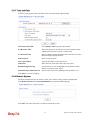
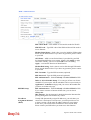
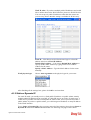
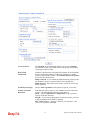
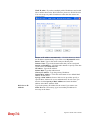
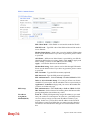
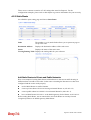
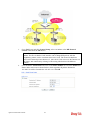
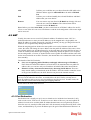
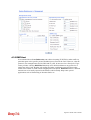
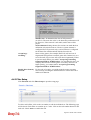
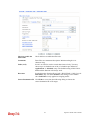
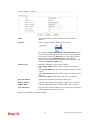
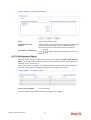
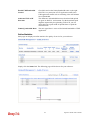
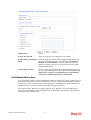
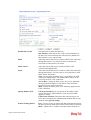
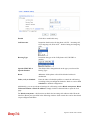
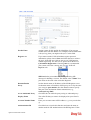
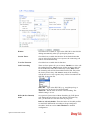
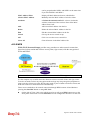
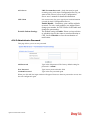
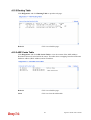
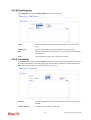
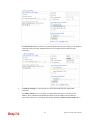
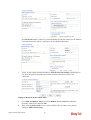
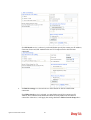
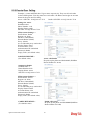
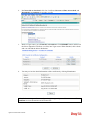
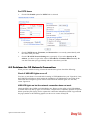
To add or edit port settings, click one index number on the page. The index entry setup page
will pop up. In each index entry, you can specify 10 port ranges for diverse services.
48
Vigor2110 Series User’s Guide